3.16 Update media library
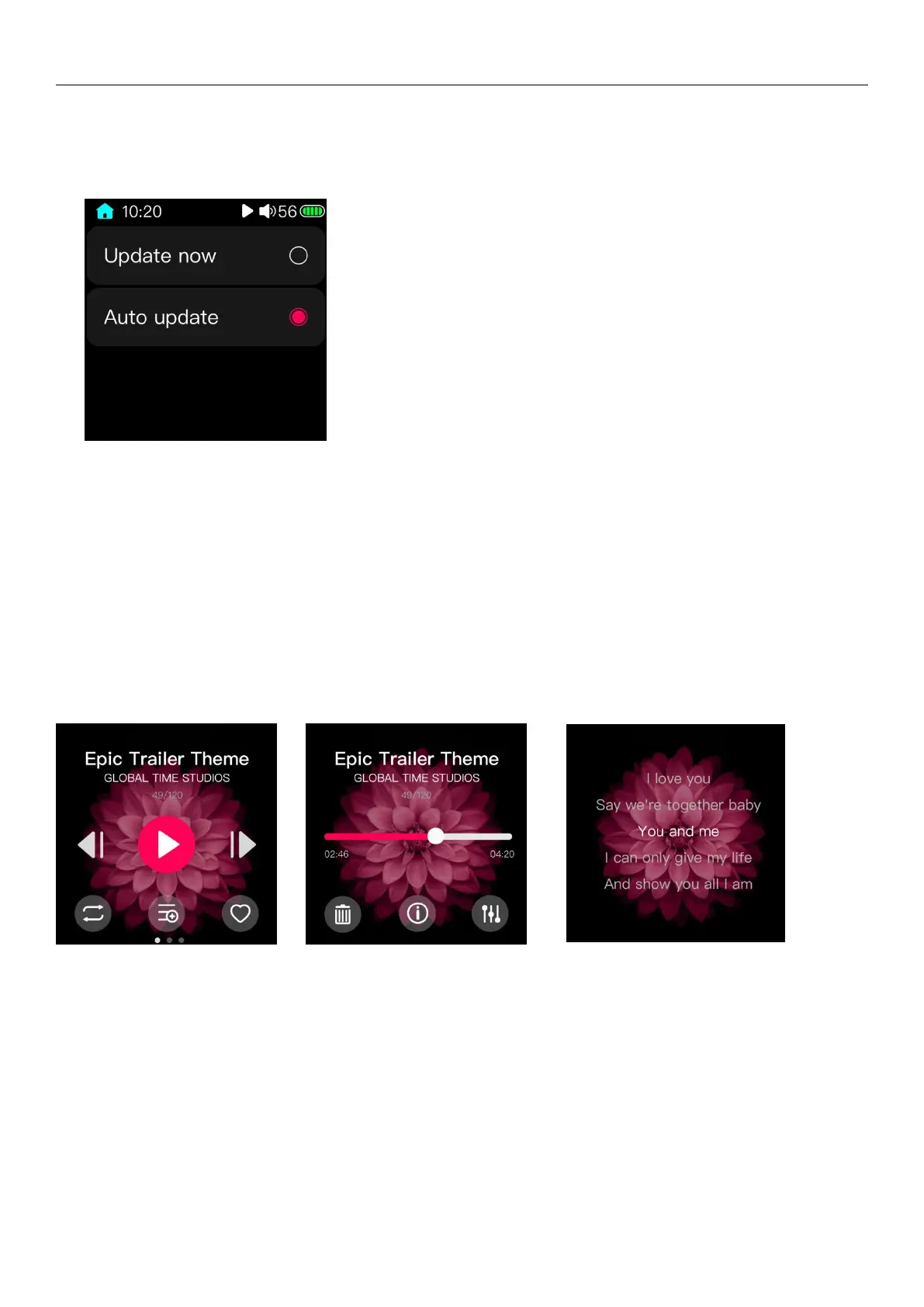
The Update media library option has update now and auto update modes. Update now means that the system will
update the song library right after clicking this option and create new category list. Auto update means that as long as it is
connected with the computer to copy data. The song library is automatically updated after disconnecting the computer or
after inserting the Micro SD card.
Do not perform other operations such as lock screen or shutdown during the process of updating the song library,
otherwise the update may fail. (Press the Back button during the update process to cancel the update.) When the song is
updated, the Update Complete dialog box will pop up.
4 Playback page
The playback page is shown in the picture above: (left) is the page of playing control. In this page, you can switch the
music, play/pause the music, the playing mode, and add songs to the playlist or my favorite.
Slide from right to left in the page of first picture and switch to the page to the second picture . The progress bar in
this page can adjust the progress of songs. The following three icons are used for deleting the song file, viewing the song
information, and quickly switching the equalizer.
Slide from right to left in the picture in the page of second picture and switch to the page to the third picture . You



 To Next Page