The default is on. Enter file browser or category list to play music and when in sequential, Loop play or Shuffle play
mode, once it has finished playing the last song in the current folder, it will begin to play the first song in the next folder.
When setting to off, only the tracks in the current folder will be played and the M5 will not play songs from other folders.
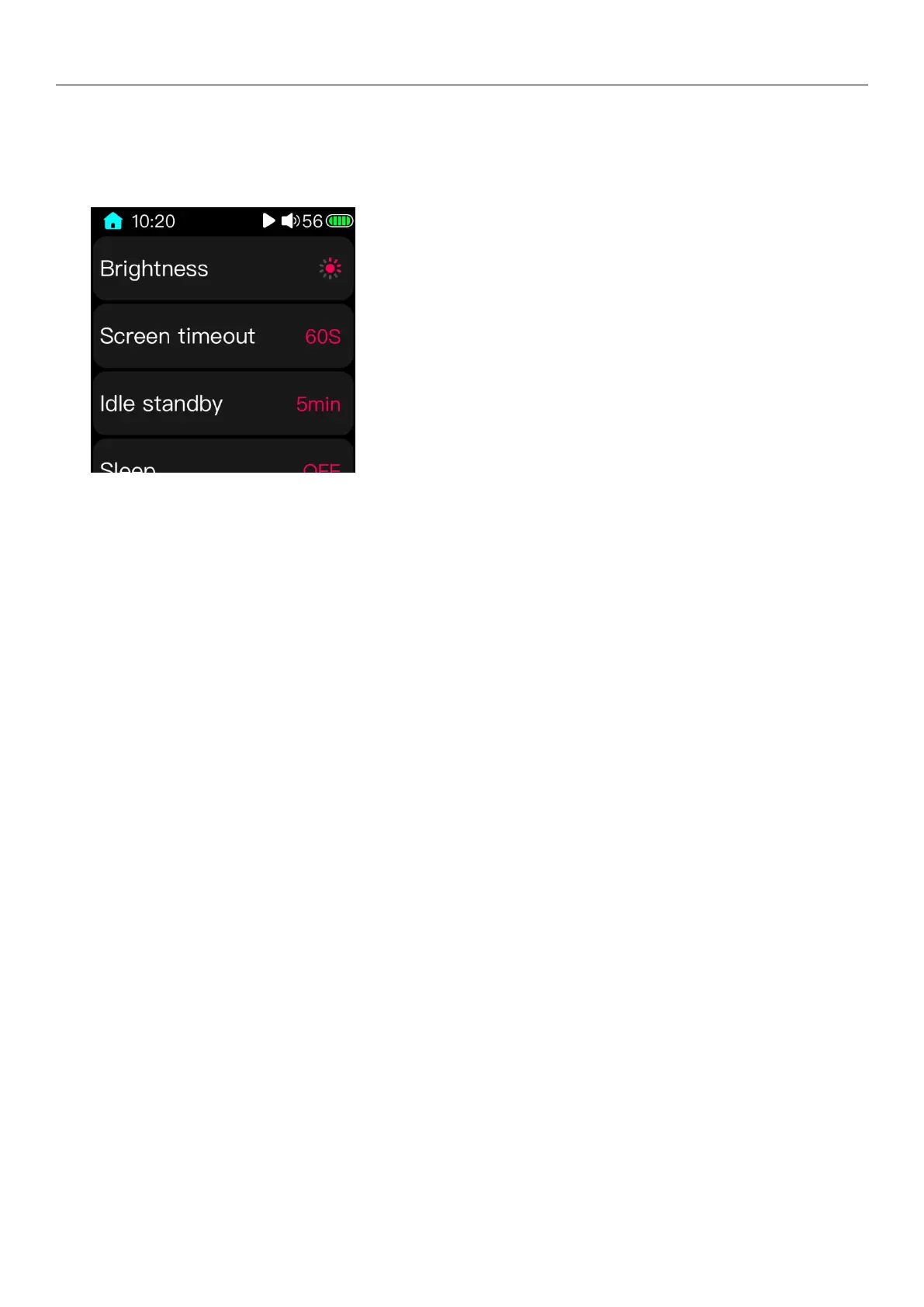
3.15System settings
3.15.1Brightness
Enter the brightness adjustment page, then adjust the brightness level by sliding the touch bar or pressing the
previous/next button. The brightness level can be selected between 1 and 10.
3.15.2 Backlight time
Whether in the playback state or non-playback state, the player's screen will automatically turn off when the
accumulated backlight time is reached after the accumulated time has elapsed.
Enter the backlight adjustment interface, and change the value by sliding the touch bar or pressing the previous/next
button. The backlight time can be set to 30s, 40s, 50s, 60s, 90s, 120s and ON for a total of 7 files (ON means always stay on
and does not automatically turn off the screen display).
3.15.3 Power saving standby
In the non-playing state (or playback pause, playback stop, etc.), the player automatically enters the deep standby
state after the time when no operation is performed on the player reaches the power-saving standby setting value. The
low consumption electrode can effectively save power and improve the working life of the whole machine; moreover, in
this state, short press the power button (or insert USB) to activate the player immediately, the player will memorize and
display the previous use status, eliminating Wait for the second boot.
Enter the power saving standby setting interface, and then adjust the different time values by sliding the touch bar
or pressing the previous/next button. When set to OFF, the function is turned off.
(Note: 1 In the state of recording and computer data connection, the power saving standby is invalid;
2 In the case of USB charging, the power-saving standby time will enter the shutdown charging interface)
3.15.4sleep standby
Whether in the playback state or non-playback state, or if the player has been operated all the time, when the
function is turned on, the player will enter the deep standby state when the sleep standby set value time is reached.
Enter the sleep standby setting interface, then adjust the different time values by sliding the touch bar or
pressing the previous/next button. When set to OFF, this function is disabled.



 To Next Page