3.15.20 firmware upgrade
Improper operations during firmware update may cause the M5 to malfunction! Please read the following firmware
update guide carefully before proceeding.
Update procedures:
1. Please go to our website to download firmware. Download link: http://www.fiio.com/supports; copy the M5.zip file
package to the root directory of an FAT32-formatted SD card.
2. Insert the card into the slot on M5 (if not already inserted).
3. Go to Settings >> System settings >> System updates and click "Yes" on the pop-up confirmation dialogue.
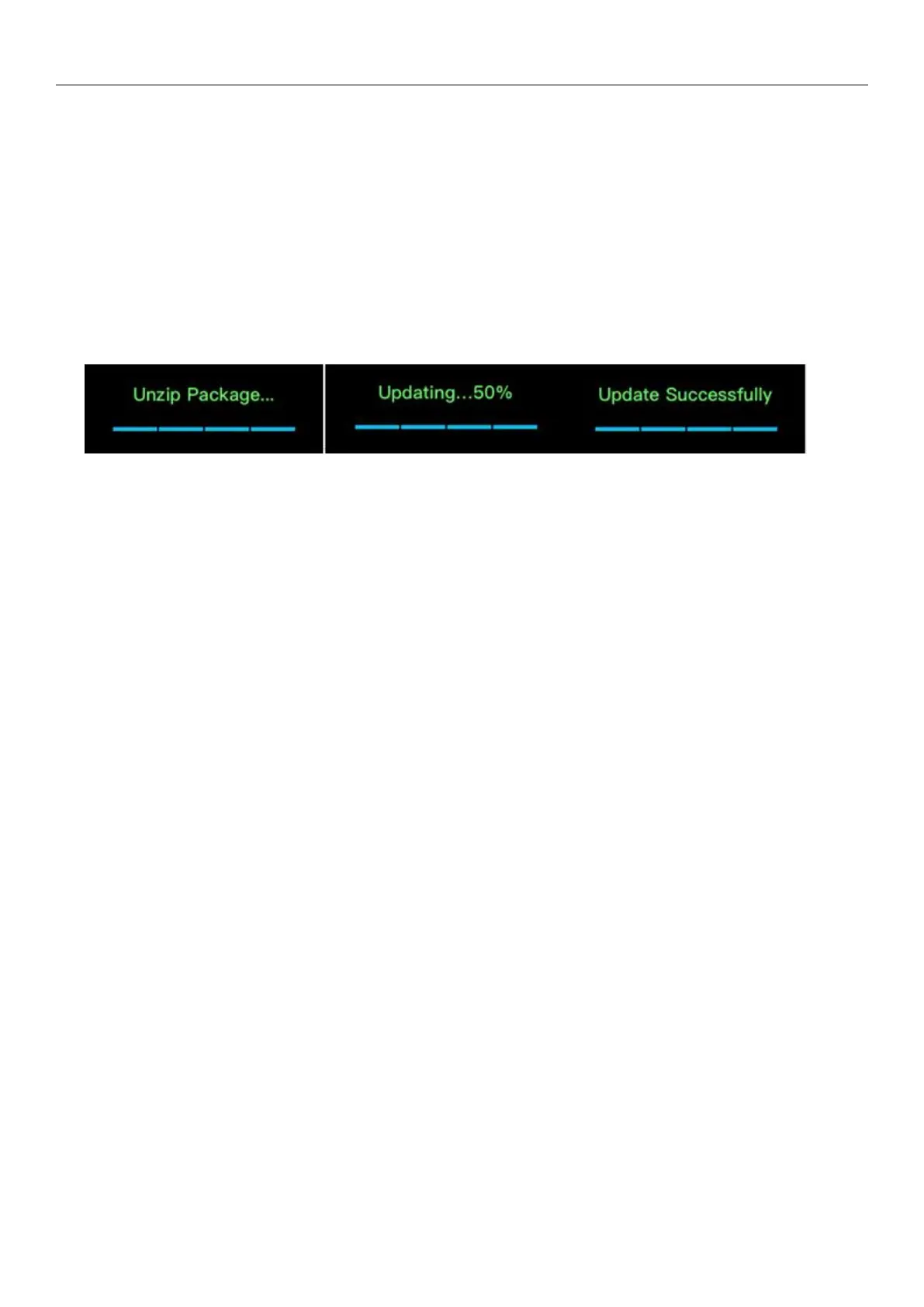
4. The M5 will restart and enter firmware update and the following dialogues will appear:
Firmware decompression Firmware upgrade Firmware upgrade succeeded
Pay attention to the firmware upgrade:
1. It is recommended to use the Micro SD card in FAT32 format. If the upgrade is not successful, please try to change
the blank Micro SD card below 32G, format it with M5 and copy the firmware to it and try again.
2. Ensure that the power of the M5 is sufficient to avoid the upgrade failure (preferably at full power);
3. Please do not operate the machine during the upgrade process;
4. After the firmware is upgraded, please update the song library again.
3.15.22 Bluetooth firmware update
This option is used to upgrade the Bluetooth firmware, which requires to work with the computer. Please go to the
official website https://www.fiio.com/supports to download the firmware and tools needed for the upgrade. You could
read the instructions for detailed. If you accidentally enter this page, you can swipe from the left edge of the display to the
right, and then exit the Bluetooth update mode by confirming in the prompt box.
(Note: the Bluetooth firmware and the system firmware are separate, and the Bluetooth function can be used
normally only when the two versions are matched. It is recommended to update both firmware to the latest version. If you
cannot determine the matching version, you can contact the customer service for help.
3.15.22 About M5
Enter the About M5 page and the items displayed are the model name (M5), the firmware version, the total capacity
of the Micro SD card, the available capacity of the Micro SD card, the number of (updated) tracks, the SN code, and the NB
code.
Slide left and right to view the electronic quick start guide.



 To Next Page