switch to the next track.
2.2.3 Volume"-"
When the display is on, Press briefly to change volume"-"by one increment, hold down to change volume
continuously until to the mute.
If the player is in the playing state when the display is off, press and hold the volume"-" button to switch to the
previous track.
If the player is on lock screen clock interface when the display is locked, press and hold the volume"-" button to
switch to the previous track.
2.2.4 Pickup hole
Microphone pickup hole (Do not cover this position when using the recording function, so as not to affect the
recording effect)
2.2.5 Headphone/Coaxial output
3.5mm headphone output interface, support for 3-segment and 4-segment headphones (not supported for remote
control). Meanwhile, support for the line out and coaxial out, it is available for you to choose to set in the system settings.
2.2.6 USB interface
For data exchange, battery charging, etc.
2.2.7 Micro card slot
Use standard Micro SD (TF ) card to support up to 2TB capacity.
3 Page display introduction
3.1 Switch machine and home page
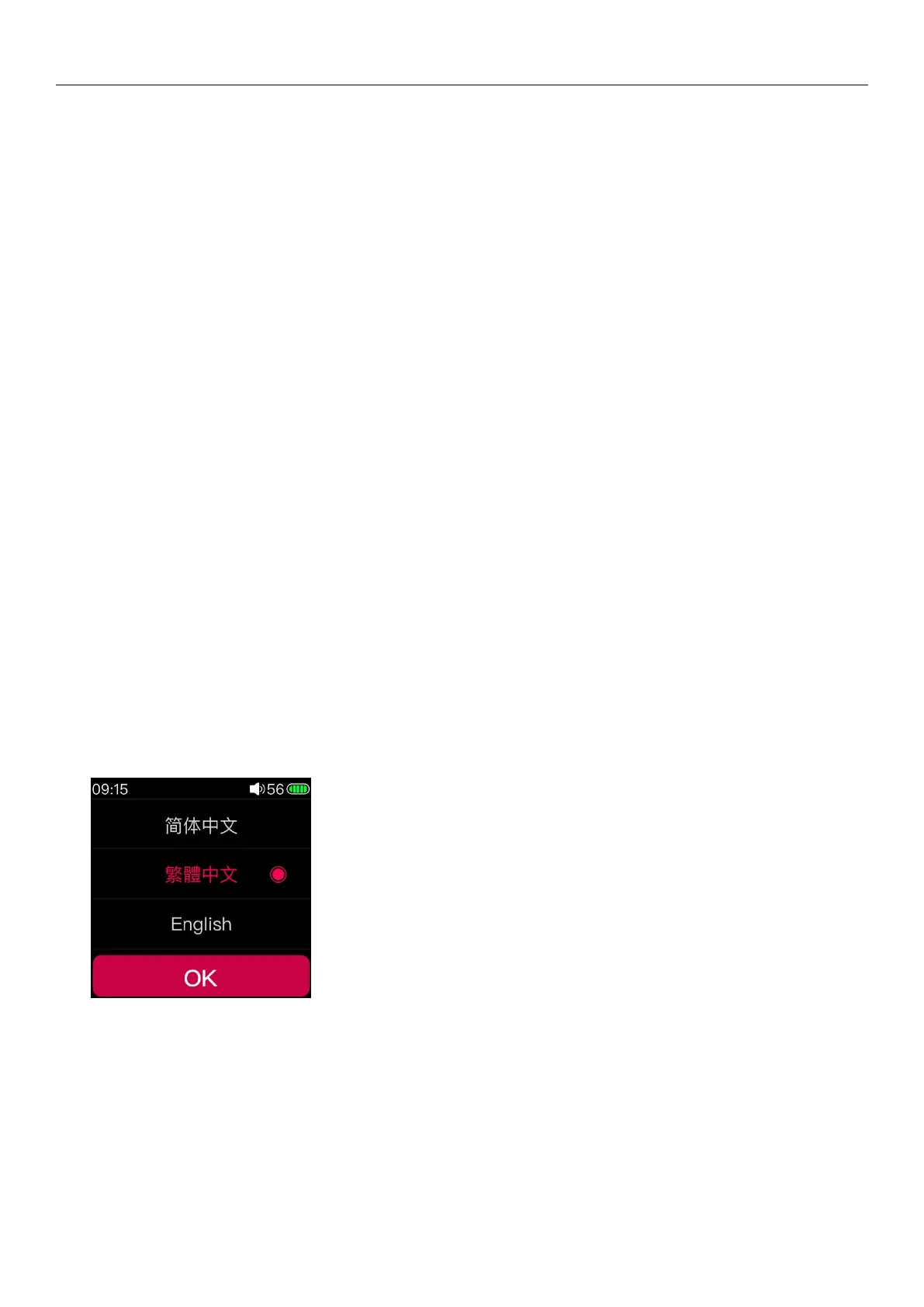
Press and hold the power button in the off state, it will start up in about 2s; when you turn on the phone for the first
time, the language selection interface will appear. You can slide the cursor through the touch bar as needed, select the
corresponding display language and press the confirm button to confirm the save (also in the system settings - Switch
other languages todisplay in Language). As shown above.
Press and hold the power button during the power-on state, and the player will turn off the button after the
shutdown animation appears.
(Note: If you are unable to shut down normally when there is a crash, you can press and hold the power button for 10



 To Next Page