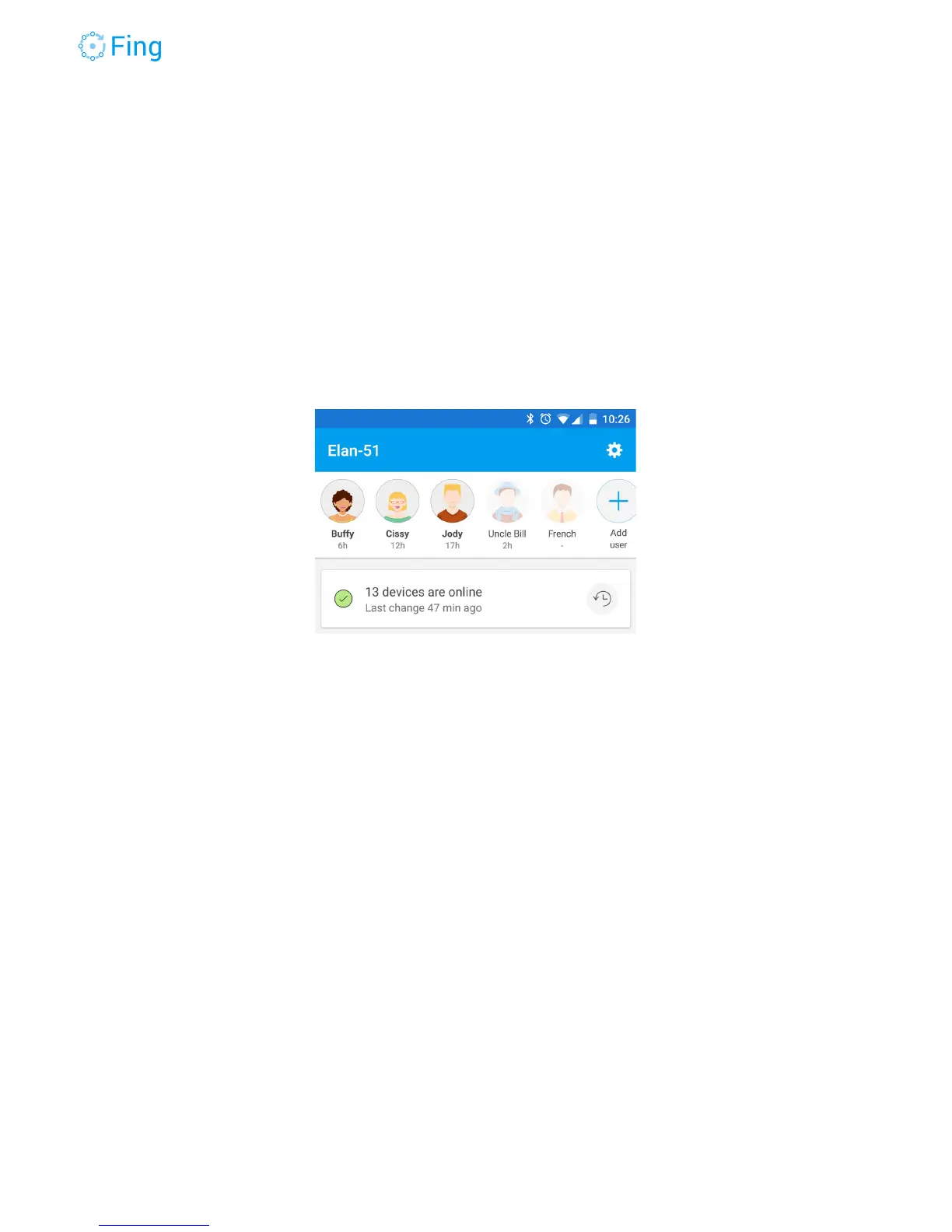
Adding a family member
One of the key functions of Fingbox is associating personal devices to specific members of
the household. In this way you can organize the devices in a natural way, see who’s at home
and, if you want, limit the Internet access for all the devices owned by a person, with a single
command.
Tap on “Add user”
Optionally, Fing can use the picture you already have in your phone contact list, otherwise just
tap on “Create custom user”. The latter works even if you don’t allow Fing to access your
contacts. Fing asks for Contacts only to make user association easier - no contact details are
shared with the Fing service.
Fingbox User’s Guide - App v6.2.1 Page 15



 To Next Page