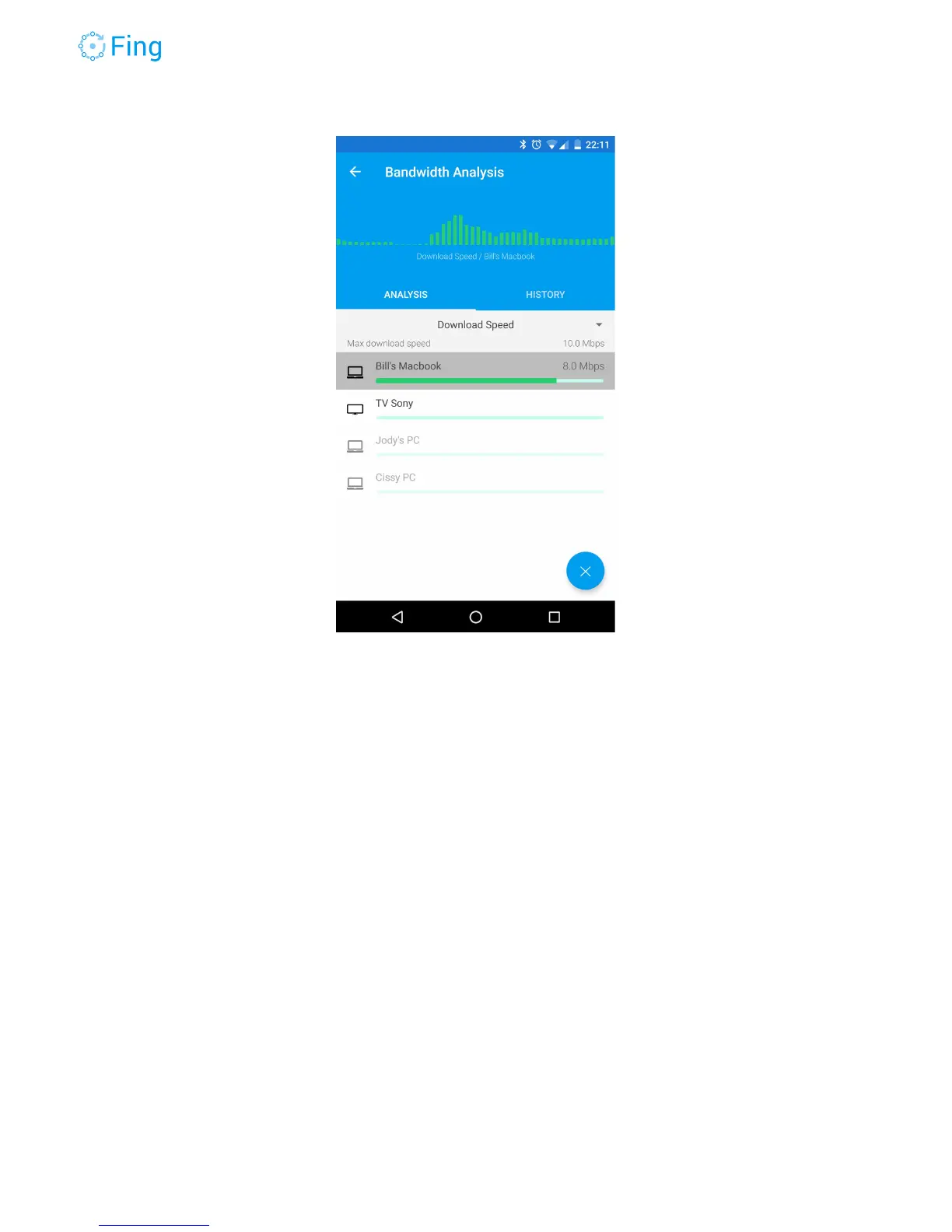
Tapping on a device will show a chart of the measured value over time for the device. The chart
is updated every second. You can tap on other devices to see their time chart of the last minute.
Stopping the bandwidth hogger
Once you find the device (or person) that is hogging your bandwidth, you can politely
ask to
stop doing that and finally upload your huge slide deck (and then go watch Game of Thrones).
If you are not
in
the
mood
, you can use Fingbox to “pause” the Internet access for the hogging
device. Go to the Devices screen, tap on the device you found with the Bandwidth Analysis and
then tap on Pause Internet. You can choose for how long you want to pause it, so you don’t
need to remember to manually restore the connection.
Fingbox User’s Guide - App v6.2.1 Page 41



 To Next Page