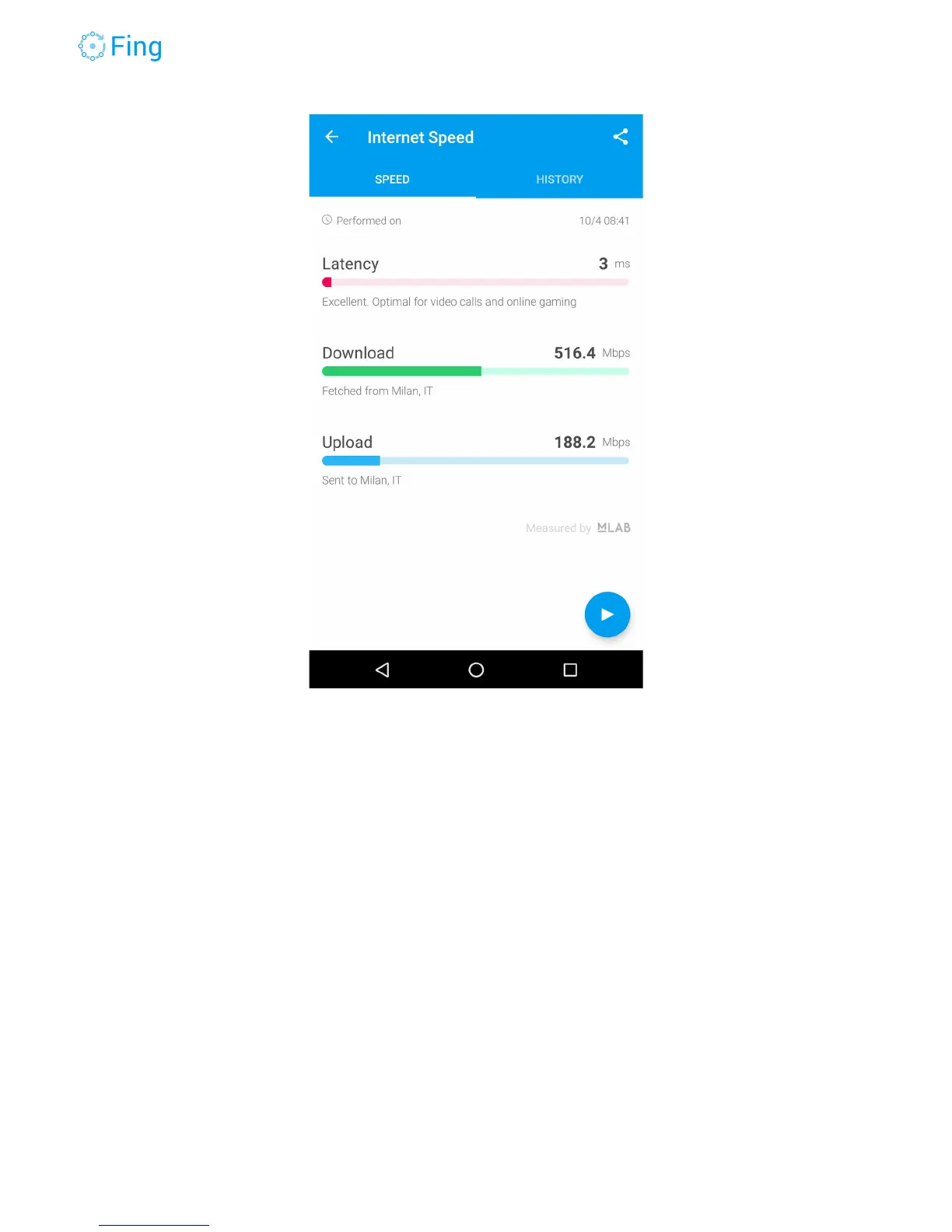
Wi-Fi Performance Test
The Wi-Fi performance test measures the speed between the Fingbox and your phone (where
you’re running the Fing app).
The Wi-Fi signal (good) and the radio interference (bad!) vary from place to place across your
house. The speed measured by this test is specific for the location where you are with your
phone. For this reason, it’s a good idea to initially run this test very close to the Wi-Fi
access point. You’ll likely get the maximum speed with the best signal and use this value as a
reference to evaluate how speed decreases in other rooms and find the “dark” spots.
To run the Wi-Fi test, tap on the “play” arrow. You can stop the test at any time after you see a
stable value (fluctuating within ±1 Mbps). The measured value will be memorized in the
HISTORY section.
The Streaming Quality scale is just a hint to show that the measured Wi-Fi speed can support
standard definition, HD or 4k-UltraHD streaming.
Fingbox User’s Guide - App v6.2.1 Page 38



 To Next Page