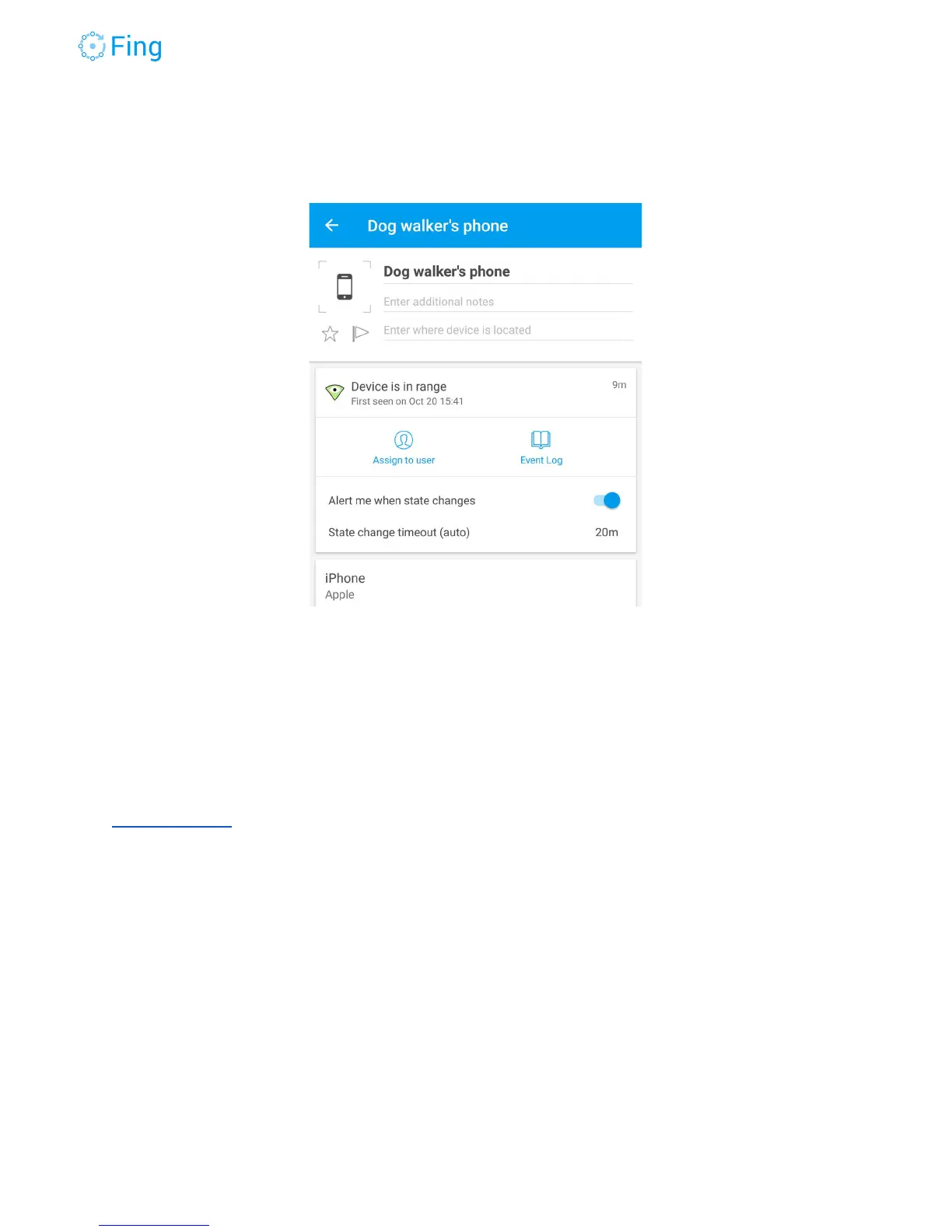
If you want to receive alerts every time this device gets “in range” you can simply tap on it and
set the usual setting “Alert me when state changes”.
Thank you!
Thank you for your time and your attention. We’re honored to have you as our customer and
user. For questions about this guide and to report errors, please write an email to
support@fing.io
The
Fing
Team
Fingbox User’s Guide - App v6.2.1 Page 57



 To Next Page