Get started
Let’s activate Fingbox using the Fing app. These are the steps to follow.
Unboxing and Assembling Fingbox
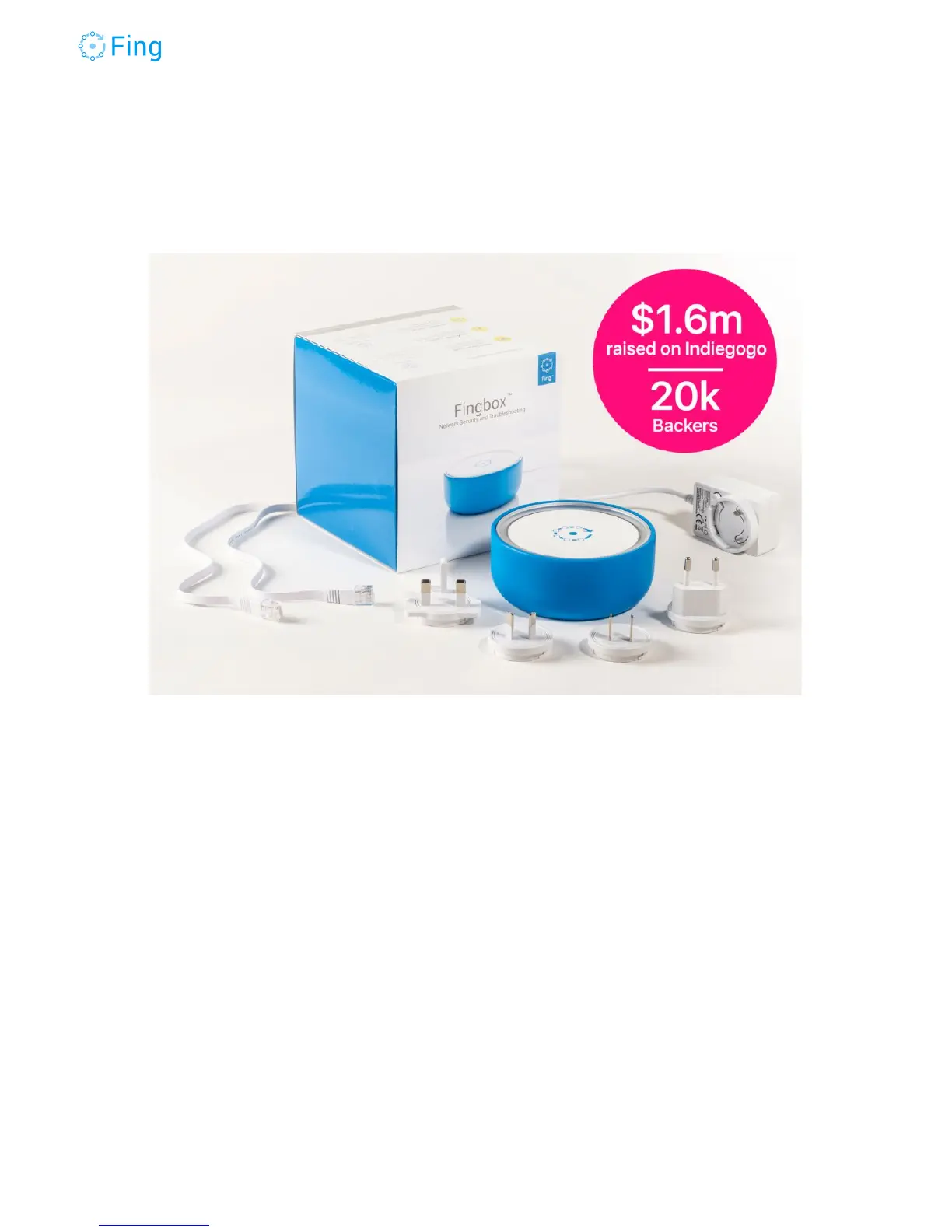
1. Extract the Fingbox and all the accessories from the original package.
2. Pass the included Ethernet cable through the hole in the blue case and connect it to your
main router. Choose an Ethernet port labeled LAN (or sometimes INTERNAL, HOME or
with a simple number). Connect the other end to the Fingbox.
3. Check that the power adapter has the right plug matching your country electrical
standard. If needed, keep the button pressed while rotating and extracting the current
plug. Then insert the right one until it’s locked.
4. Pass the power cord through the hole in the blue case and attach it to the Fingbox
micro-USB port (the small one).
5. Verify that your router is turned on and your Internet connection works well.
6. Connect the Fingbox power adapter to an electrical outlet.
Fingbox User’s Guide - App v6.2.1 Page 5



 To Next Page