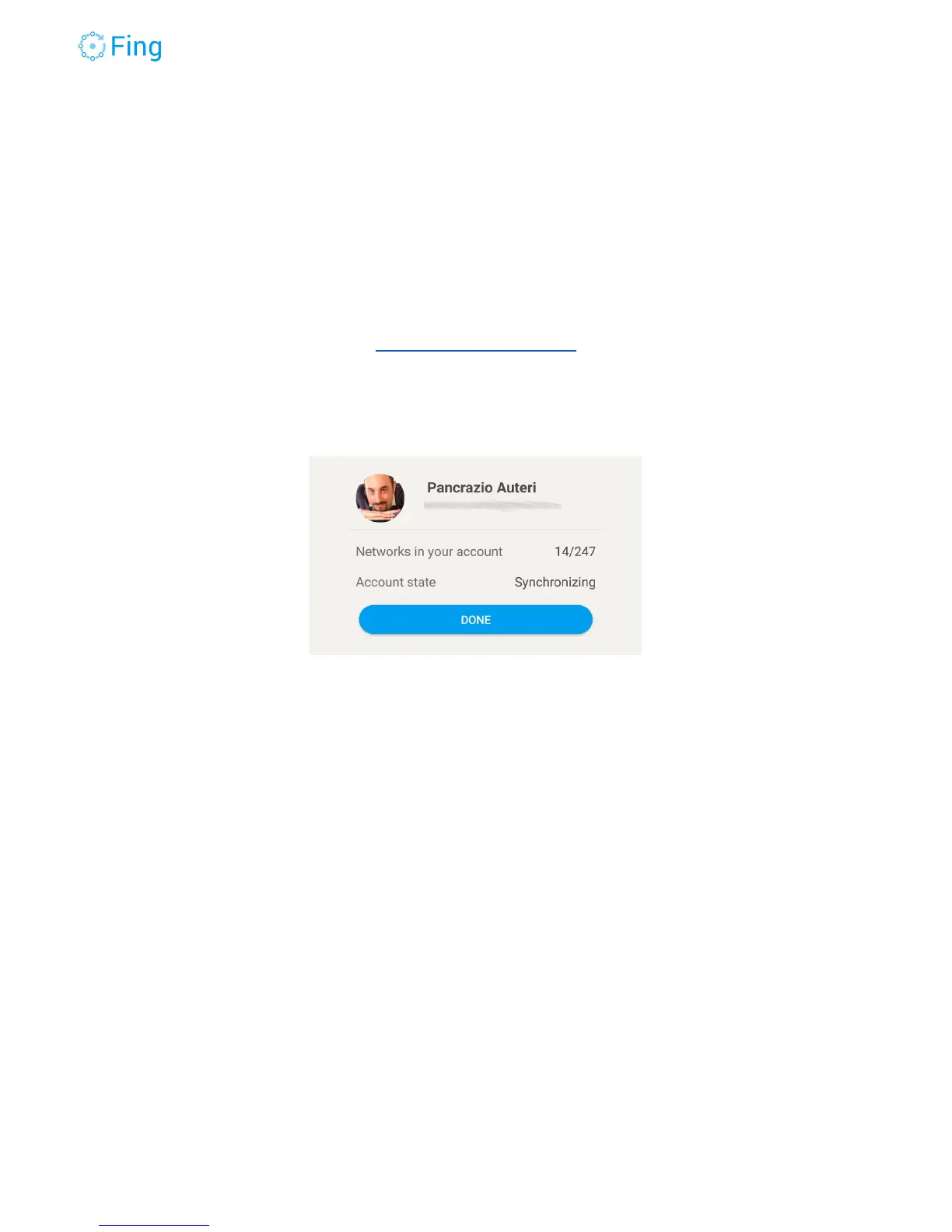
Once you sign in, you’ll see the number of networks synchronized between your phone and
the Fing Secure Account Service. In this way you can use Fing on multiple devices under the
same account and see the same things from all of them. If you have a lot of networks, it may
take a while. You can tap on DONE, synchronization will continue in the background.
Lost password
If you forgot your password, you can easily set a new one using the password recovery
page:
https://app.fing.io/recovery
Just enter the email address of the Fing Account and we’ll send you an email with a link to set a
new password. Of course, you have access to that email account, right?
Logout
To logout from your account, just tap on LOGOUT. Please, be aware that, upon logout, all the
scanned networks will remain saved locally on the phone (because you can still use Fing in
anonymous mode, without being logged in).
Fingbox User’s Guide - App v6.2.1 Page 31



 To Next Page