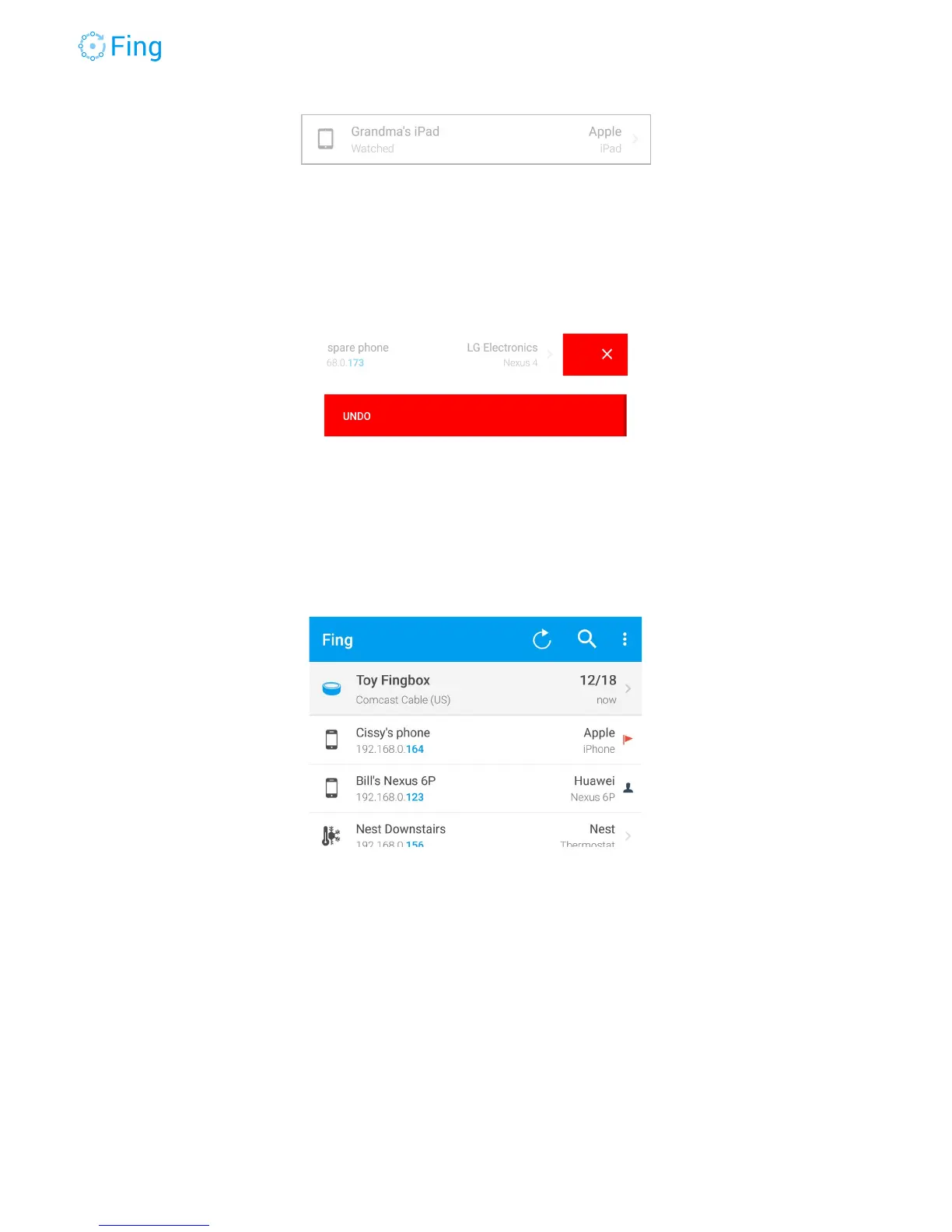
Deleting a device
You can delete any device that is OFFLINE, IN RANGE or WATCHED. To delete, swipe-left
with your finger. After deleting a device, Fing will offer an UNDO option for 3 seconds.
Network details
To access the Network details, go to the Device list screen and tap on the Fingbox name at the
top of the screen. In the example below, the Fingbox name is “Toy Fingbox”.
The top section allows you to change the Fingbox name and set the location address. You can
use the GPS to automatically set the current phone location as the Fingbox location.
Fingbox User’s Guide - App v6.2.1 Page 24



 To Next Page