NOT DETECTED - The device stopped responding to the Fingbox heartbeat messages, but the
timeout defined for declaring this device offline has not passed yet. If the device keeps staying
silent, the status will eventually become OFFLINE.
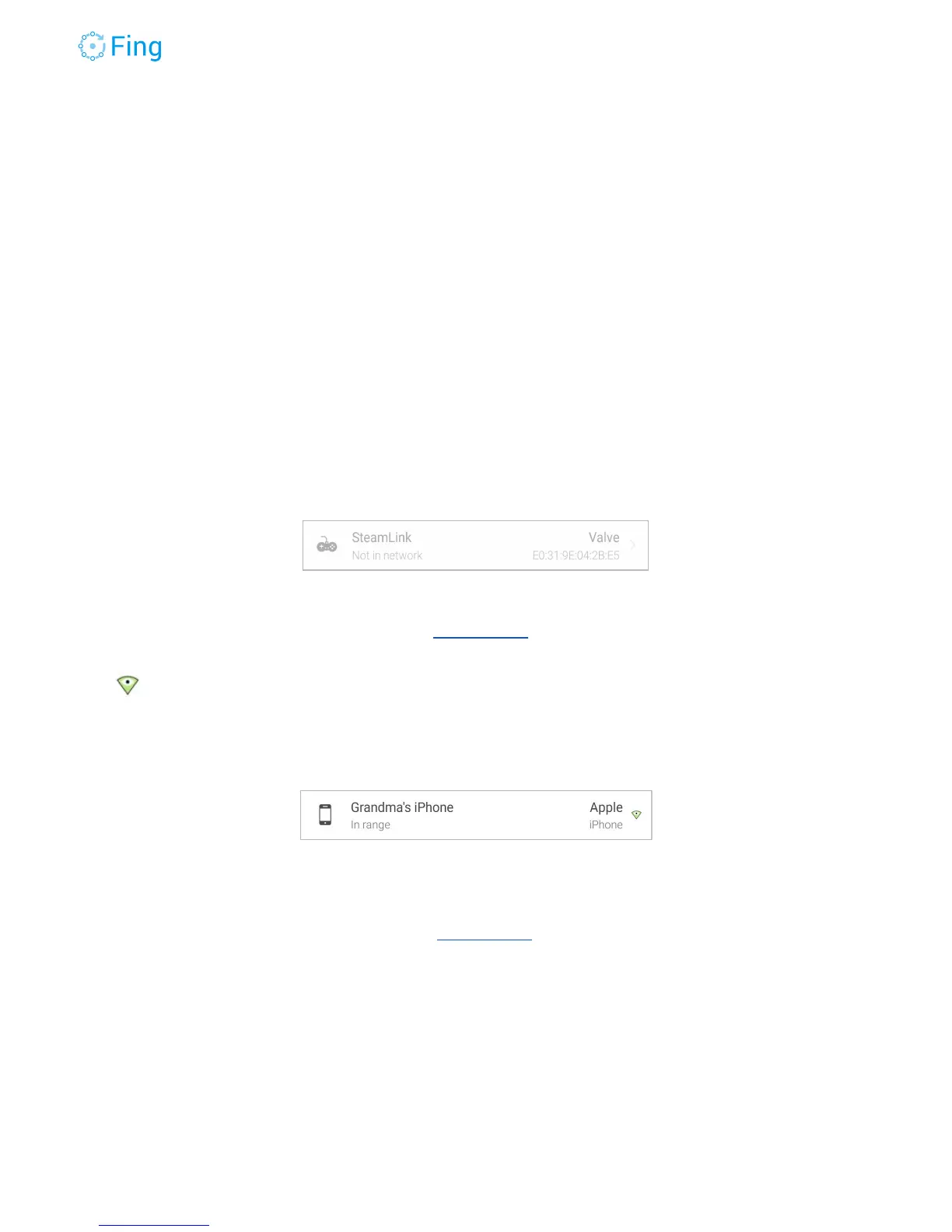
NOT IN NETWORK - A device that was previously seen by Fingbox is “talking” on the network
but doesn’t have an IP address on the same subnet as Fingbox. Possible reasons for this state
are:
1. The device has been assigned an IP address in another subnet (e.g. because of manual
IP address configuration or multiple DHCP servers are active on the same ethernet
segment).
2. The device is trying to get an IP address but the DHCP server is not assigning one
(because the device is blacklisted or the DHCP server is not working properly and need
to be re-configured or simply restarted).
A device in this status can be deleted with a swipe-left gesture.
IN RANGE - A device that you selected in DigitalFence is active nearby (the WiFi sensor of the
Fingbox has a range of about 100 feet, although this may be reduced by concrete walls and
metallic obstacles).
The small green triangle on the right marks a device watched with DigitalFence. A device in
this status can be deleted with a swipe-left gesture.
WATCHED - A device that you selected in DigitalFence is not active in the vicinity of your
Fingbox (the WiFi sensor of the Fingbox has a range of about 100 feet, although this may be
reduced by concrete walls and metallic obstacles). A device in this status can be deleted with a
swipe-left gesture.
Fingbox User’s Guide - App v6.2.1 Page 23



 To Next Page