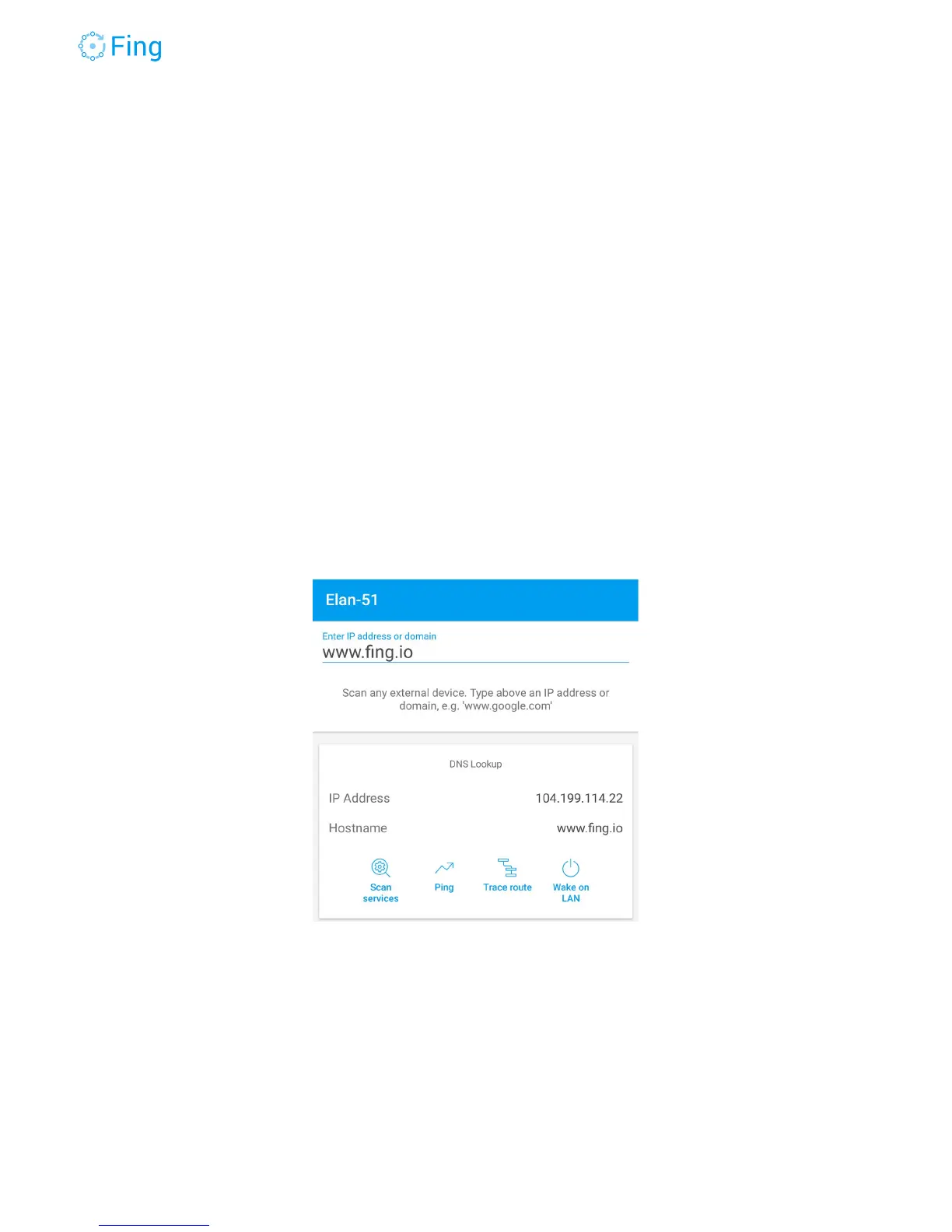
Tools
The tools in this screen run from the mobile device where you’re using the Fing app. They don’t
run from the Fingbox, so all the measurements are affected by the connectivity of your phone or
tablet.
Scan services - This performs a port scan on the target address. It tests only
the TCP ports listed in the section “Edit TCP Services” of the Fing app settings.
You can modify this list to fit your needs.
Ping - This will run a continuous ping to the target address, showing the
round-trip time and the packet loss between your phone and the target address.
Trace route - This will show all the routers and the “hops” between your phone
and the computer at the target address.
Wake on LAN - This will send a Wake-on-LAN packet to wake up the target
device (if it supports the Wake-on-LAN functionality).
Fingbox User’s Guide - App v6.2.1 Page 33



 To Next Page