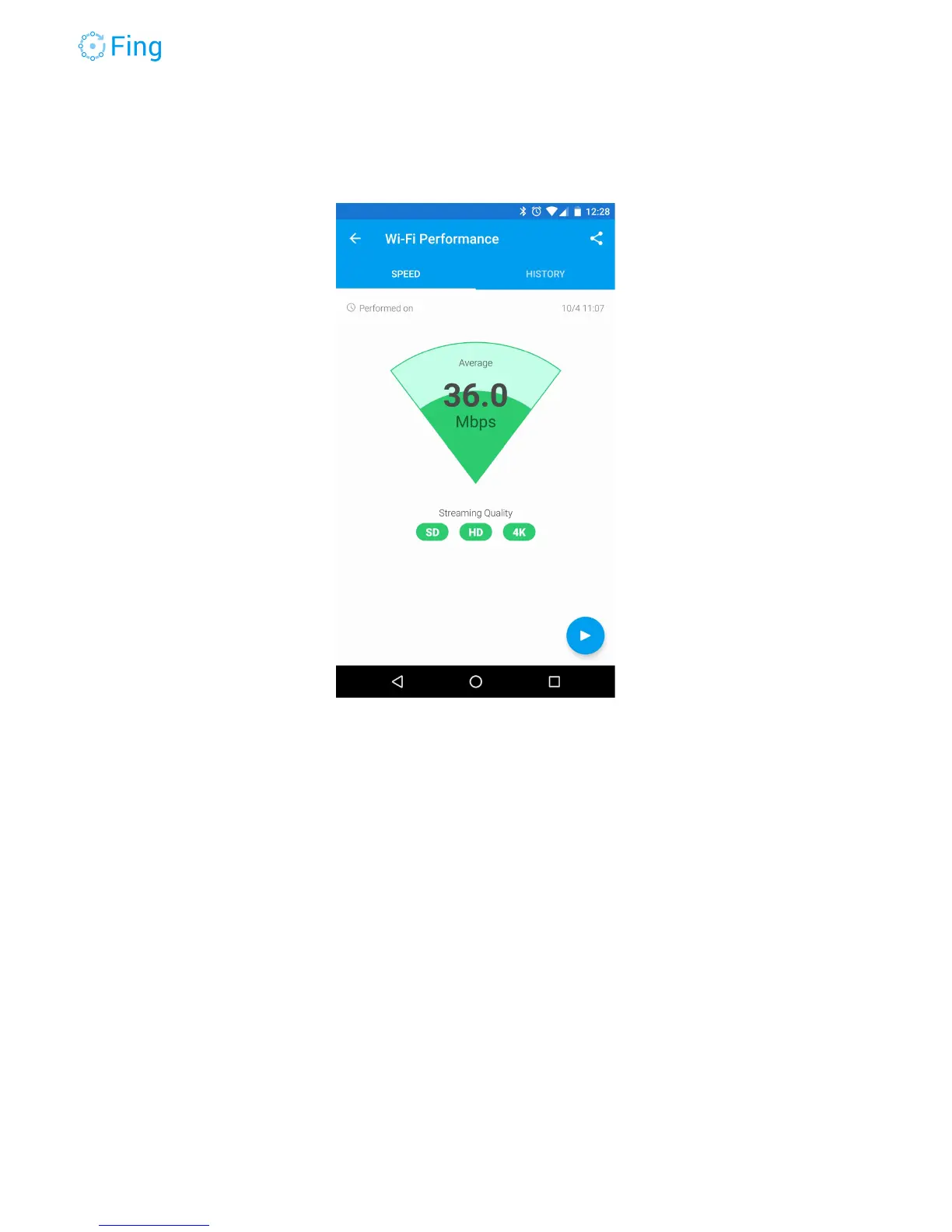
After this first “close-up” measurement, move to another room and re-run the Wi-Fi test. Fingbox
will remember all the tests you run. You can access them in the HISTORY section.
Bandwidth Analysis
If you still have “slowness” issues and you ruled out the Internet provider and the Wi-Fi
performance, let’s try to find out who or what is using the bandwidth.
The Bandwidth Analysis tool can tell you how much bandwidth is being used by a device and
how much traffic has been generated by each device while the test is running.
First, select the devices you want to monitor for bandwidth consumption. You can select a few
of them (the usual suspects?) or you can select whole categories such as Personal devices,
Audio & Video equipment, Home Office or Smart Home gear.
Start the analysis by tapping on the button with the “play” triangle. In a few seconds, Fingbox
will start counting the packets each device is sending or receiving.
Fingbox User’s Guide - App v6.2.1 Page 39



 To Next Page