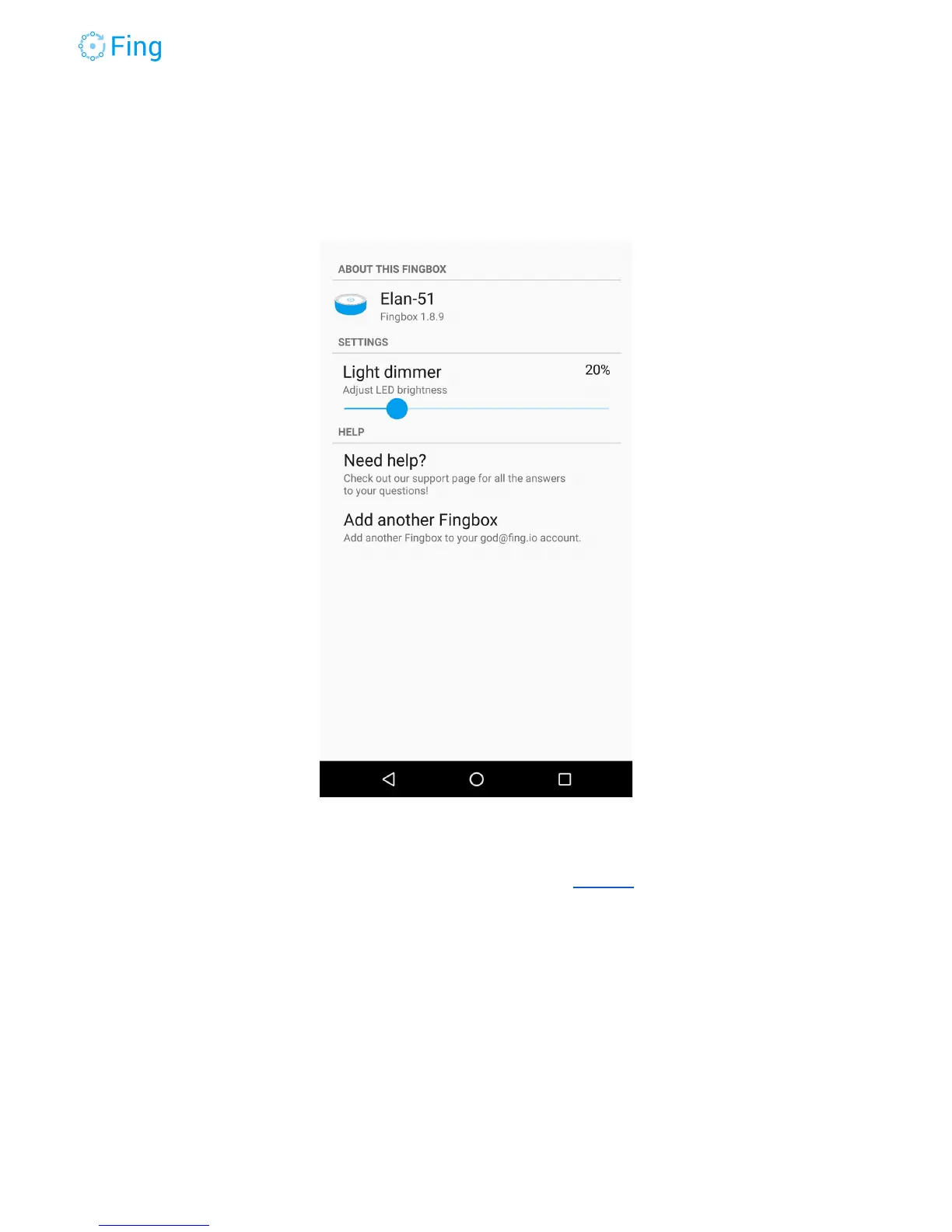
Fingbox settings
To access Fingbox Settings, tap on the “wheel” icon in the top-right corner of the Dashboard.
The element on top tells you the Fingbox name and the current firmware version running on
this Fingbox. To change the Fingbox name, go to the screen Devices and tap on the name at
the top.
Light dimmer - Use this slider to dim the lights on the top circle. Set to 0% to turn them off.
Add another Fingbox - Tap on this to add another Fingbox to the current account. The new
Fingbox must be non-activated and with a green top circle, connected on the same home
network as the phone you’re using right now.
This function will not find Fingbox units that are already activated.
Fingbox User’s Guide - App v6.2.1 Page 21



 To Next Page