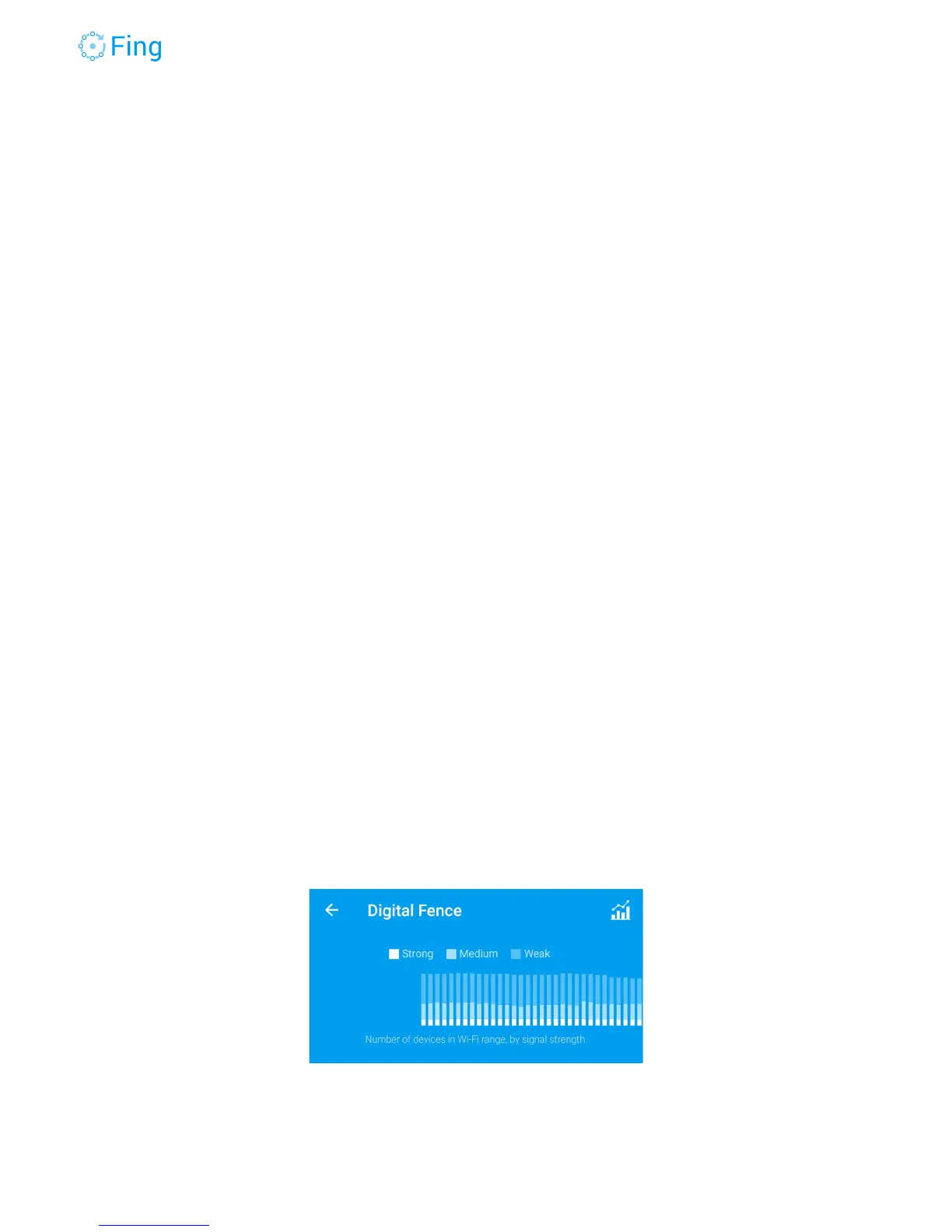
DigitalFence
Every device with a Wi-Fi radio periodically sends messages to explore the nearby space,
looking for known networks. Fingbox has a built-in Wi-Fi antenna that “senses” all the Wi-Fi
devices in a range of about 30 meters (100 feet). This feature allows to map the surroundings in
terms of other Wi-Fi access points (or stations) as well as client devices that are not connected
to the local network (such as neighbors or people and vehicles just passing by your house).
DigitalFence maintains three lists of detected devices:
Nearby - devices that are active but are not connected to the local network
managed by Fingbox.
In my network - devices that are active and are connected to the Wi-Fi of the
local network managed by Fingbox.
Stations - Wi-Fi access points in the vicinity, sorted by signal strength.
Nearby devices are usually described with less accuracy than devices connected to the local
network. This is because they are not accessible to Fingbox device scanner and there are less
information to recognize device type, brand and model.
Device density by distance
You can have a rough idea of whether the majority of wireless devices is nearby or far away
from the Fingbox Wi-Fi sensor. Tap on the chart icon in the top-right corner to see a bar chart of
the device number grouped by signal strength. Signal strength (strong, medium, weak) is a
good indication of how far the device is from the Fingbox. The chart adds a new bar every 5
seconds.
Fingbox User’s Guide - App v6.2.1 Page 54



 To Next Page