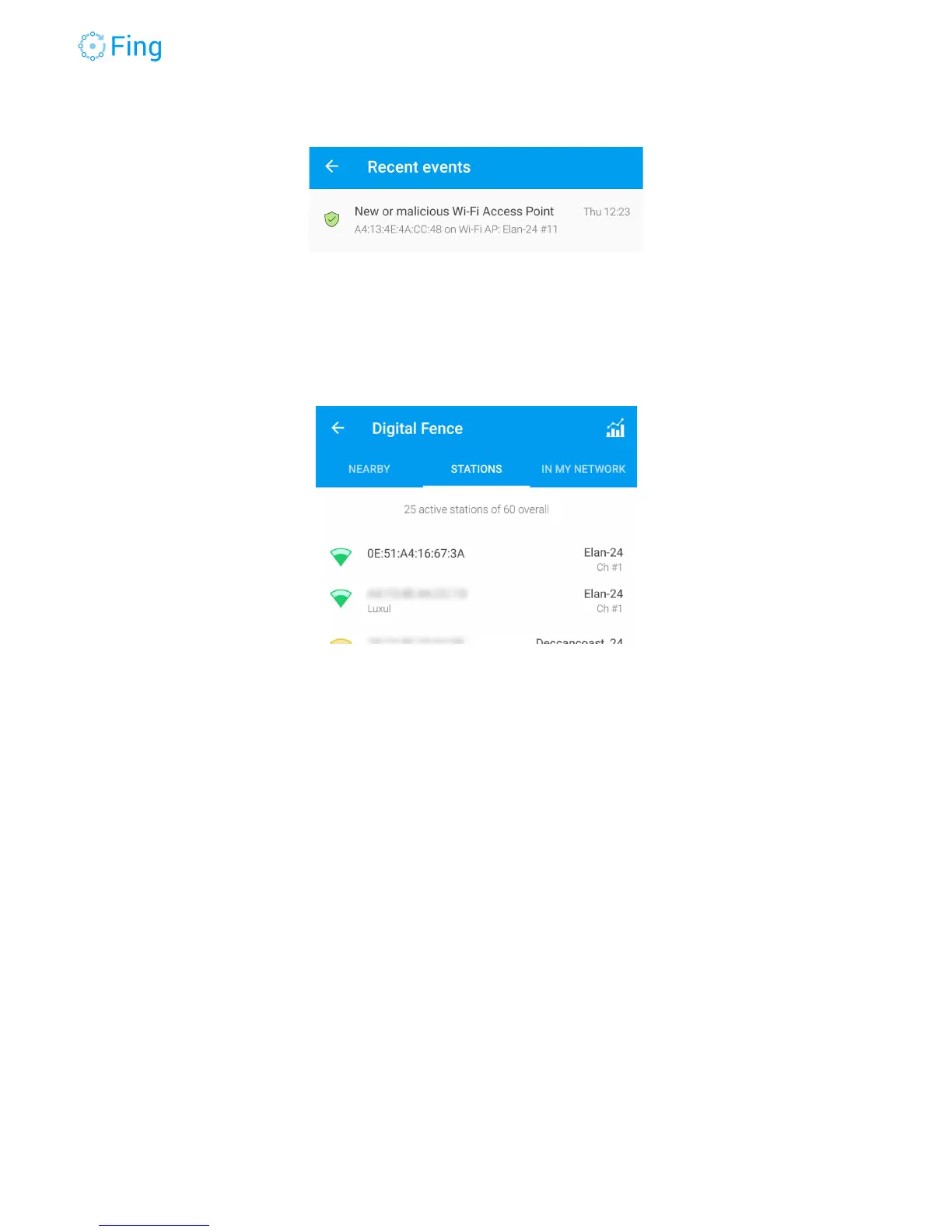
If you didn’t add this access point, you can open the Fing app, go to the DigitalFence screen
and tap on STATIONS. Stations are sorted by signal strength; at the top of the list you should
see your access points plus another one claiming the same Wi-Fi network name (SSID). In the
example below, the first access point is the rogue one, claiming the same SSID “Elan-24”.
If you’re reasonably sure that this is a Wi-Fi attack and this is a rogue access point, you may
decide to shut off your network (at least turn off the router and the internal servers) and look
around for the radio signal transmitted by the rogue access point. If it is within your premises,
you can use a Wi-Fi radio scanner to look where the signal is at the maximum level (it means
you’re physically close to the access point antenna). However, consider that sophisticated
attackers may use high-power directional antennas from nearby positions outside your house or
office.
Fingbox User’s Guide - App v6.2.1 Page 53



 To Next Page