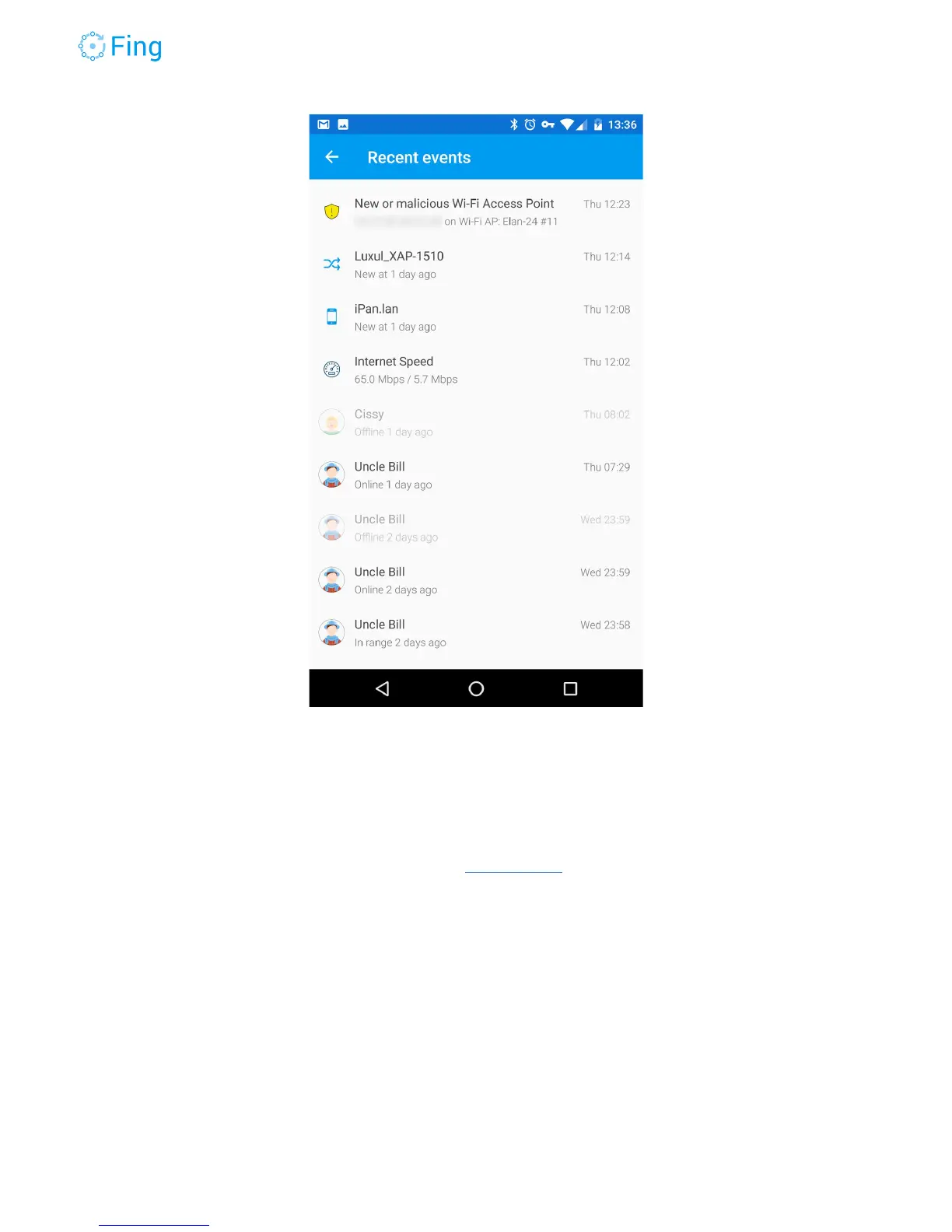
Tap on an event to get more information, for example:
Person → see the person’s history of presence at home.
Device → see the history of the device status changes, including block/pause.
Security alert → see the details of the security alert (available for some events).
Internet Security → see the Internet Security report.
Internet Speed → see the Internet speed measured when the test was run.
Wi-Fi Performance → see the Wi-Fi speed measured when the test was run.
Bandwidth Analysis → see the bandwidth usage report generated when you ran the
analysis.
DigitalFence → The event reports the number of devices nearby.
Fingbox User’s Guide - App v6.2.1 Page 20



 To Next Page