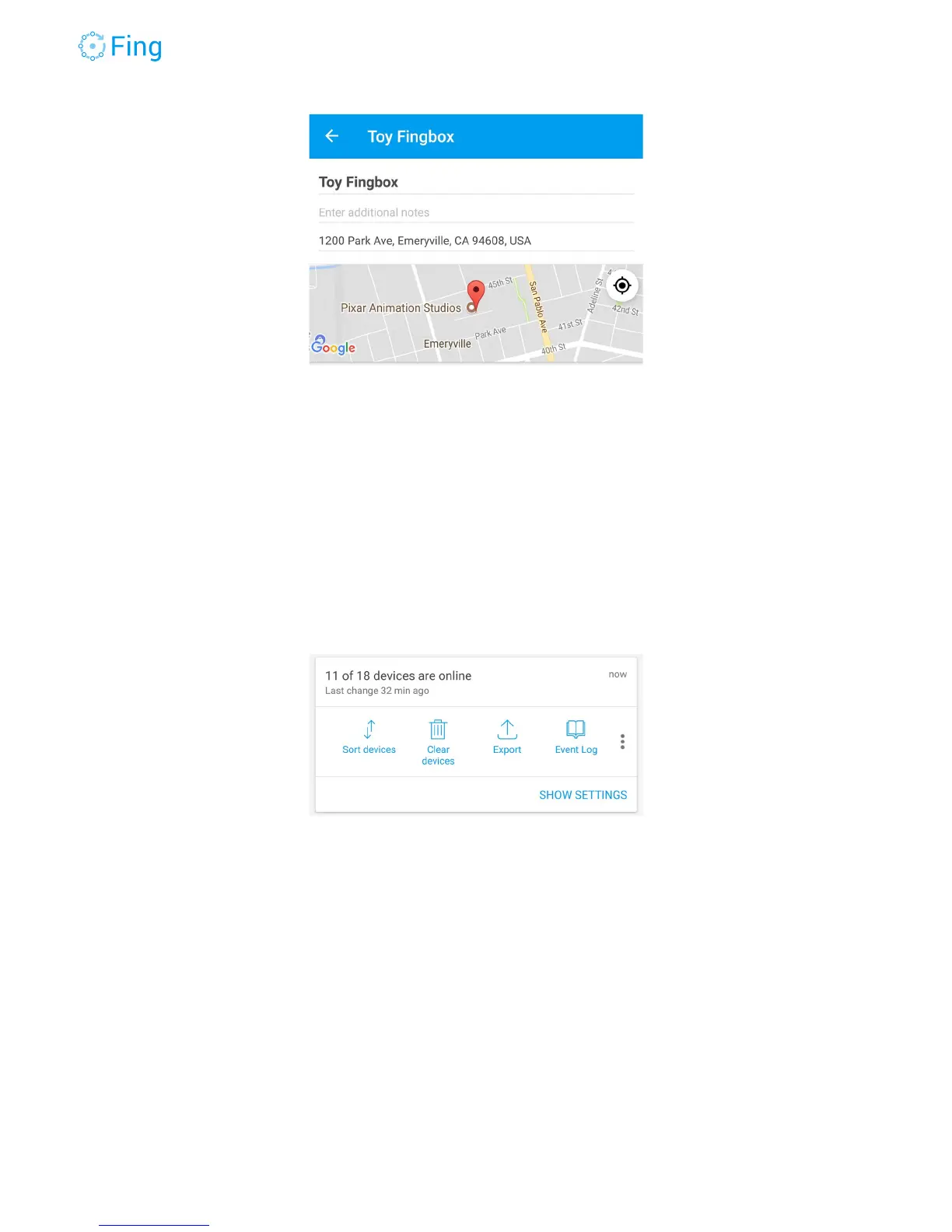
The next section allows you to perform several actions on the device list:
● change the sort order of the Device List
● delete all the offline devices
● export the list to a file
● see the history of event state changes
● sharing the device list
● sync your customized device icons and names across all the networks in your Fing
account (wherever the device appears)
Tap on SHOW SETTINGS to see context and alerts settings.
Change the network context to the appropriate value. Fingbox adapts the user interface and
the automatic configurations to fit in any of these contexts.
HOME - for a residential household
RENTAL - a house for short rental periods, where devices change frequently
OFFICE - an office network with employees and contractors
PUBLIC - a public place, for example a coffee shop, where many people come and go
Fingbox User’s Guide - App v6.2.1 Page 25



 To Next Page