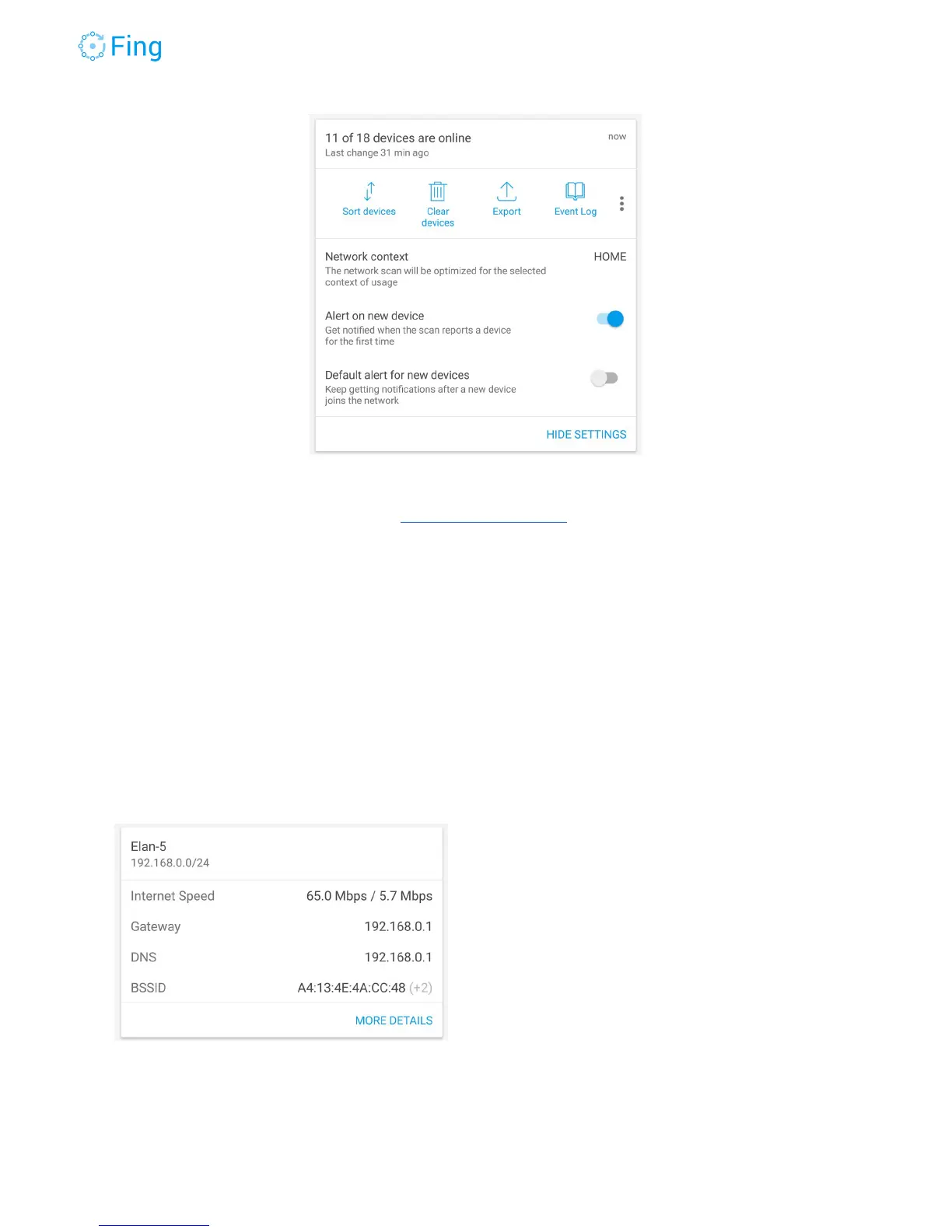
For alert settings, refer to the section “Alerts on new devices”.
The next section, recaps the key technical information about this IP network.
The Wi-Fi name (SSID) used to activate this Fingbox (in the example below: Elan-5).
The IP network address (ex: 192.168.0.0) and the network mask (ex: 24 bit).
The last measurement for Internet Speed (download / upload).
The IP address of the default gateway (the router used to reach the Internet)
The DNS servers indicated by the DHCP server.
The MAC address of the first Wi-Fi access point (BSSID). The example shows that there is
more than one BSSID in this network. Tap MORE DETAILS to get the whole list.
Fingbox User’s Guide - App v6.2.1 Page 26



 To Next Page