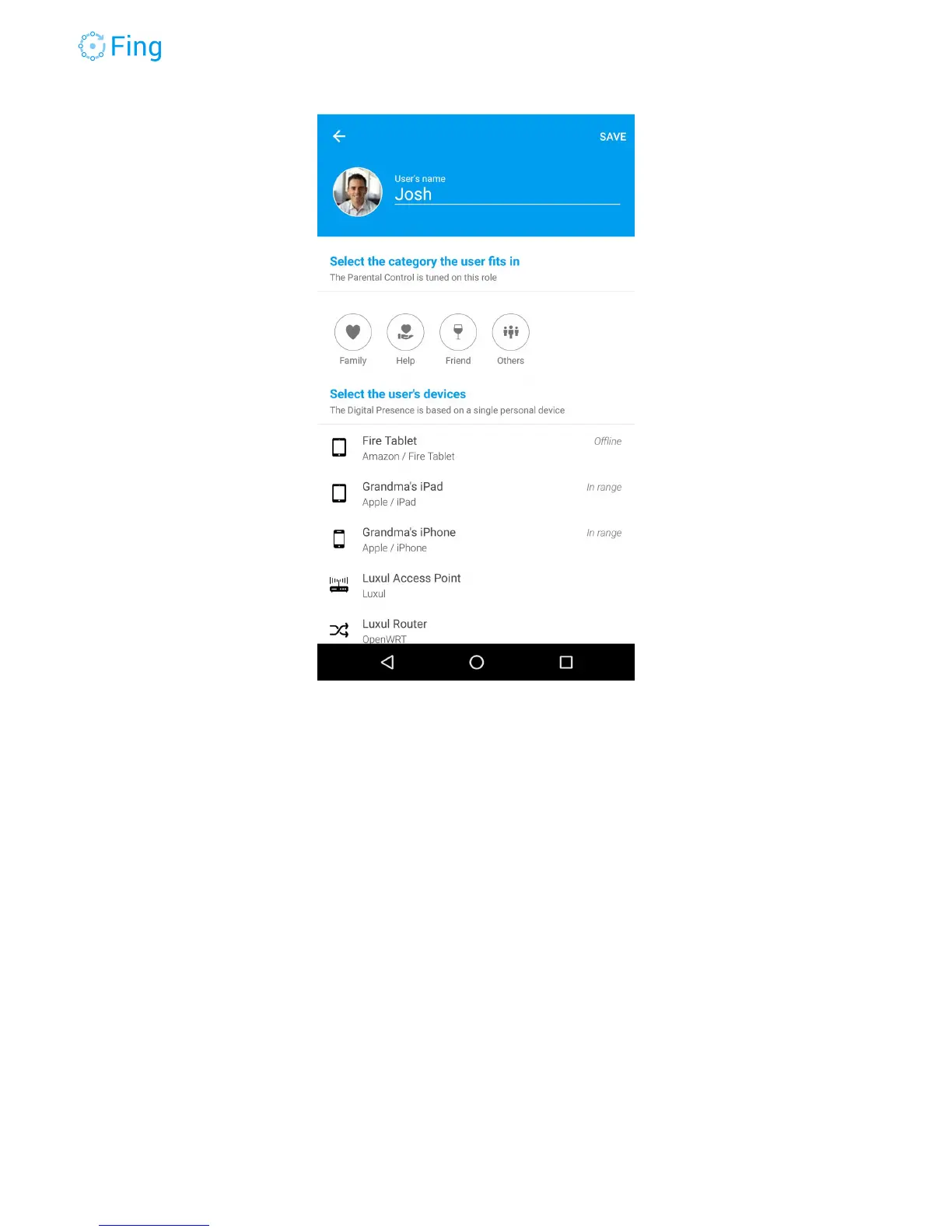
To allow Fing to adapt the parental control rules, tap on the family member category, such as
Her, Kid, Relative or even Pet!
Then, tap on the device that will determine the presence of this person (usually a phone).
Choose something that is with this person most of the time, like a phone or a wristwatch. The
first pick will become the “Personal” device, the other devices you select will be associated to
this person.
If you want to change the designated “Personal” device, long-tap on another device (already
associated to the person) and Fing will ask to confirm.
Fingbox User’s Guide - App v6.2.1 Page 17



 To Next Page