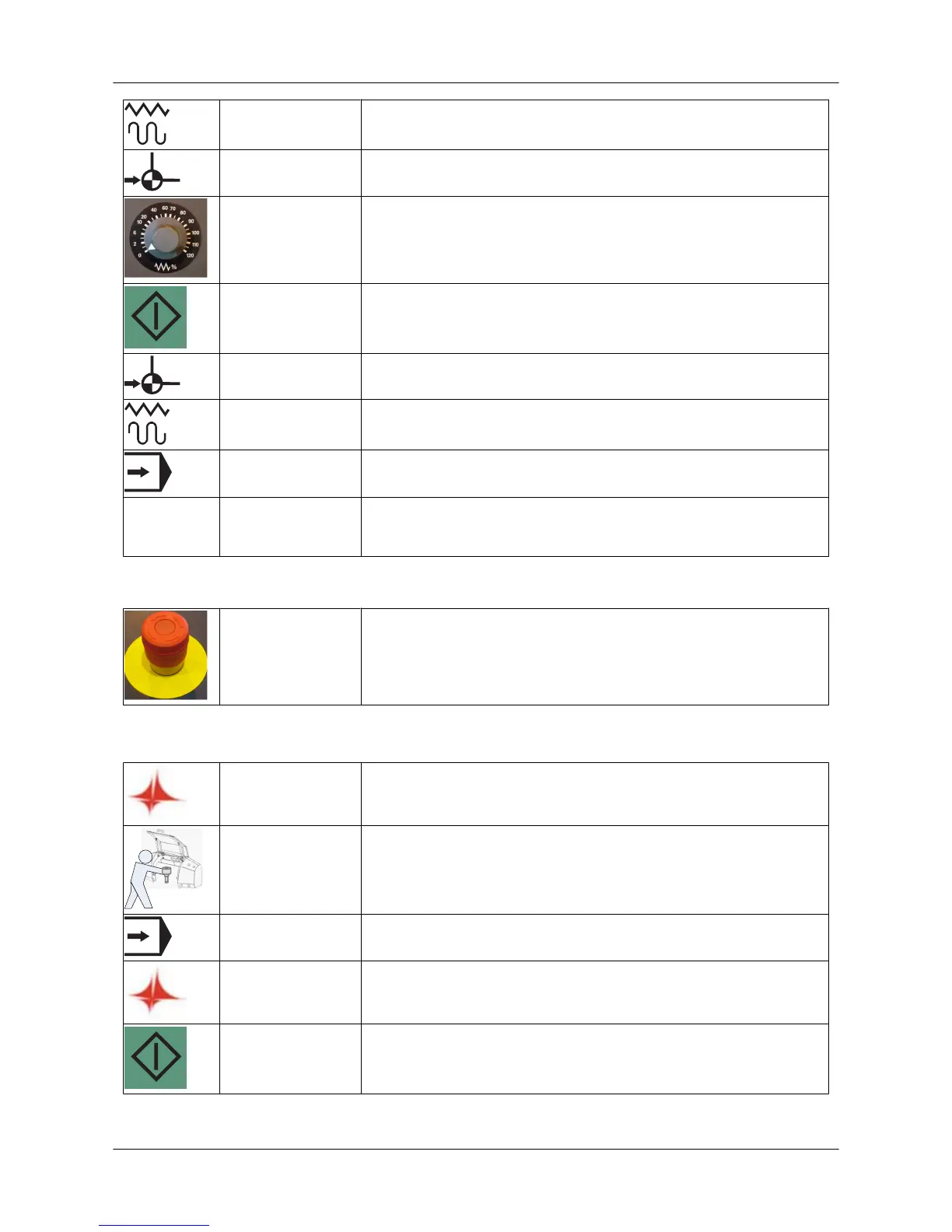
JOG Select JOG mode.
REF Select reference point approach.
FEED RATE Turn the feed rate switch from zero to a desired feed rate:
• recommended rate 100%
• in position 0%, the axes do not move.
CYCLE START Press the CYCLE START button to start referencing.
REF Wait until referencing is completed. Each axis reaching the
reference point is seen on the machine display.
JOG Select JOG mode again. (Stops the REF function.)
AUTO Select a mode you want to use, e.g. automatic mode.
HYDR ON Switch on the hydraulics (C5/C6/C8/SG).
Stopping the machine in an emergency
EMERGENCY
STOP
Press the emergency stop push-button in an imminent hazardous
situation:
• danger of personal injury
• danger of machine damage
6.2. Production order run
TULUS Select a desired production order and/or add a production order to
the task list (Tulus/Production order button).
TOOLS Check the tools in the turret and the Tulus tool settings.
AUTO Check that AUTO mode has been selected.
START Start processing (Tulus/Start processing button).
CLAMP SETTINGS Press the CYCLE START button.
• Clamp settings are performed automatically.
User Guide - E5 Turret Punch Press
26 (46)


 To Next Page