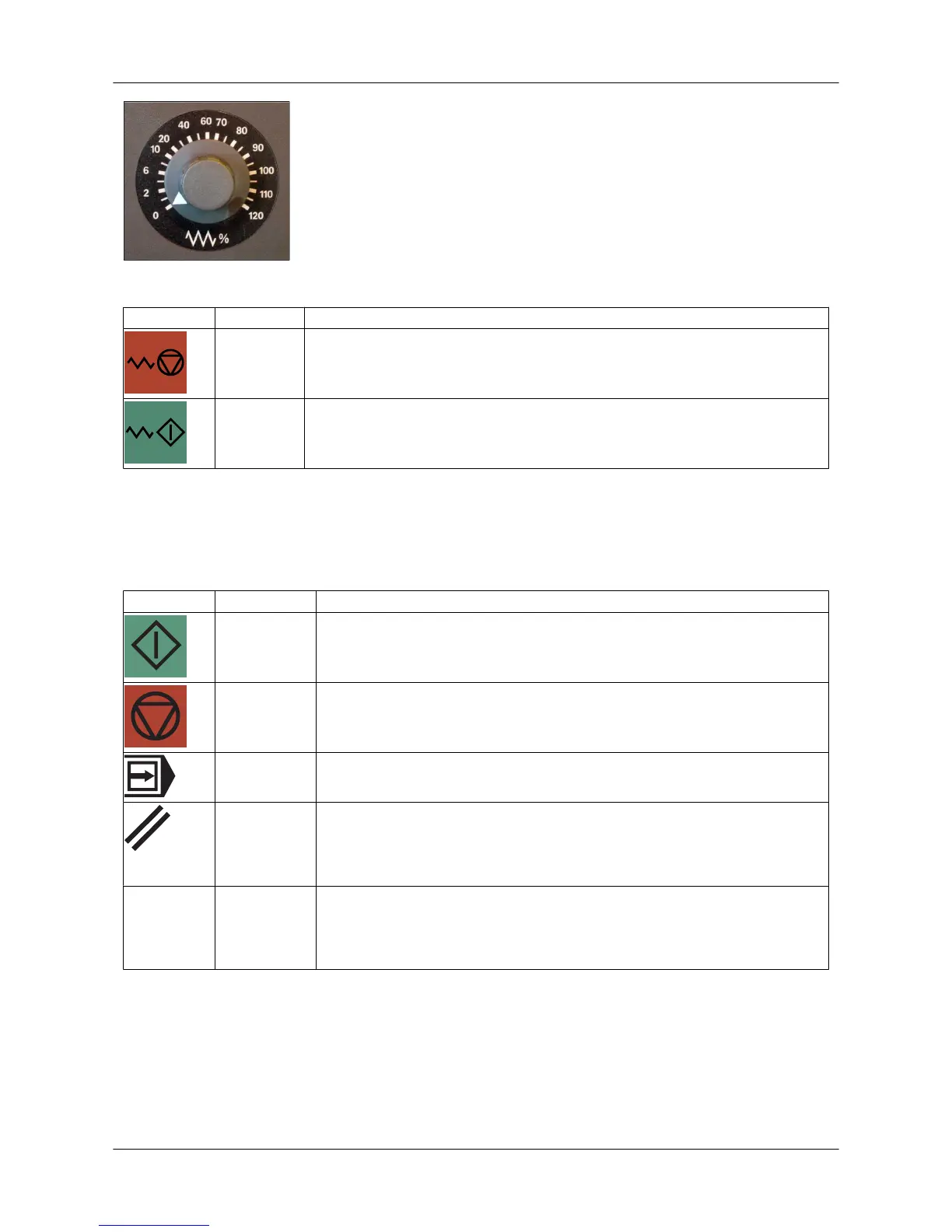
Figure: Feed rate switch
Symbol Function Description
Feed stop Feed stop
• Axes stop in a controlled way.
Feed start Feed start
• Axis movements can continue from the stopping point.
6.8.4. Program control buttons and function keys
• The selected function is indicated by a signal light above the button when the button is pressed.
• In some functions, the first keystroke starts the function (the signal light goes on), and the
second keystroke stops it (the signal light goes out).
Symbol Function Description
CYCLE
START
The selected program starts from the beginning or from the interruption
point.
CYCLE
STOP
Running of the selected program is interrupted.
• The axes stop at the end of the current block.
Block by
block
The program is run block by block.
RESET but-
ton
This stops the program run.
• Alarms on the display are cleared (except for the POWER ON and
RECALL alarms).
• The control shifts to RESET status.
Stroke with
dwell
Dwell time between axis positioning and punching stroke
• The stroke with dwell is active the whole time this button is active.
• During the dwell time, mechanical vibration has damping time, which
improves punching accuracy.
User Guide - E5 Turret Punch Press
34 (46)


 To Next Page