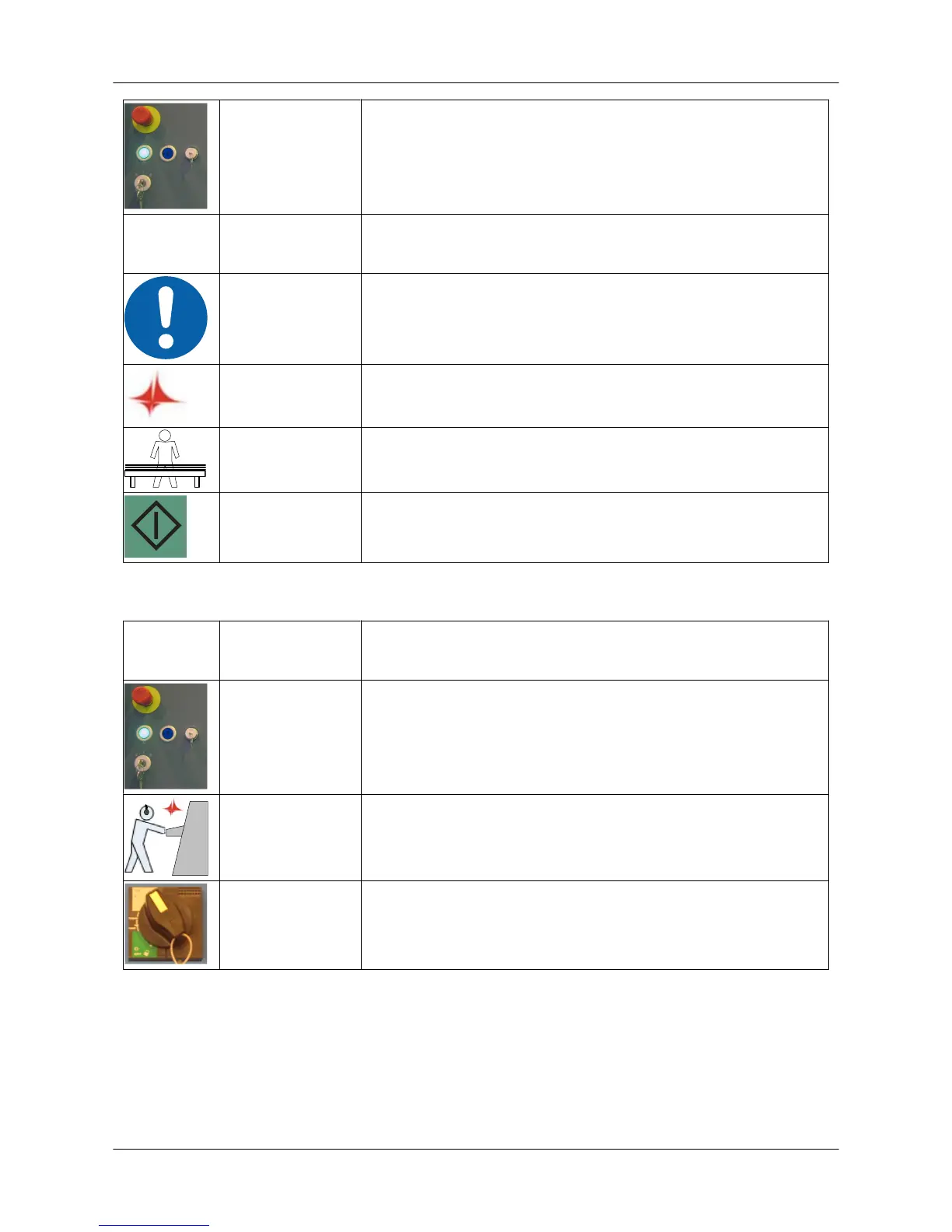
HYDR ON Switch on the hydraulics (C5/C6/C8/SG).
CHECK Check the condition of the sheet.
RESTART Continue to run the program if the sheet has not been damaged
(Tulus/Restart button).
SHEET Replace the sheet if it has been damaged.
START Start the program from the beginning.
6.5. Shutting down the machine in a normal situation
HYDR OFF Switch off the hydraulics (C5/C6/C8/SG).
CONTROL
VOLTAGE
Switch off the control voltage with the key switch.
COMPUTER Close the computer programs and shut down the computer.
MAIN SWITCH Shut down the machine by switching off the current from the main
switch.
6.6. Turret rotation
It is possible to rotate the turret manually with the push-buttons in the turret cover when the turret
service door is open.
• The push-buttons are operational only in JOG mode.
• The ram must be in the upper position when the turret is rotated.
• When the turret service door is open, other axes cannot be moved.
User Guide - E5 Turret Punch Press
28 (46)


 To Next Page