28 Operating your EFTPOS terminal
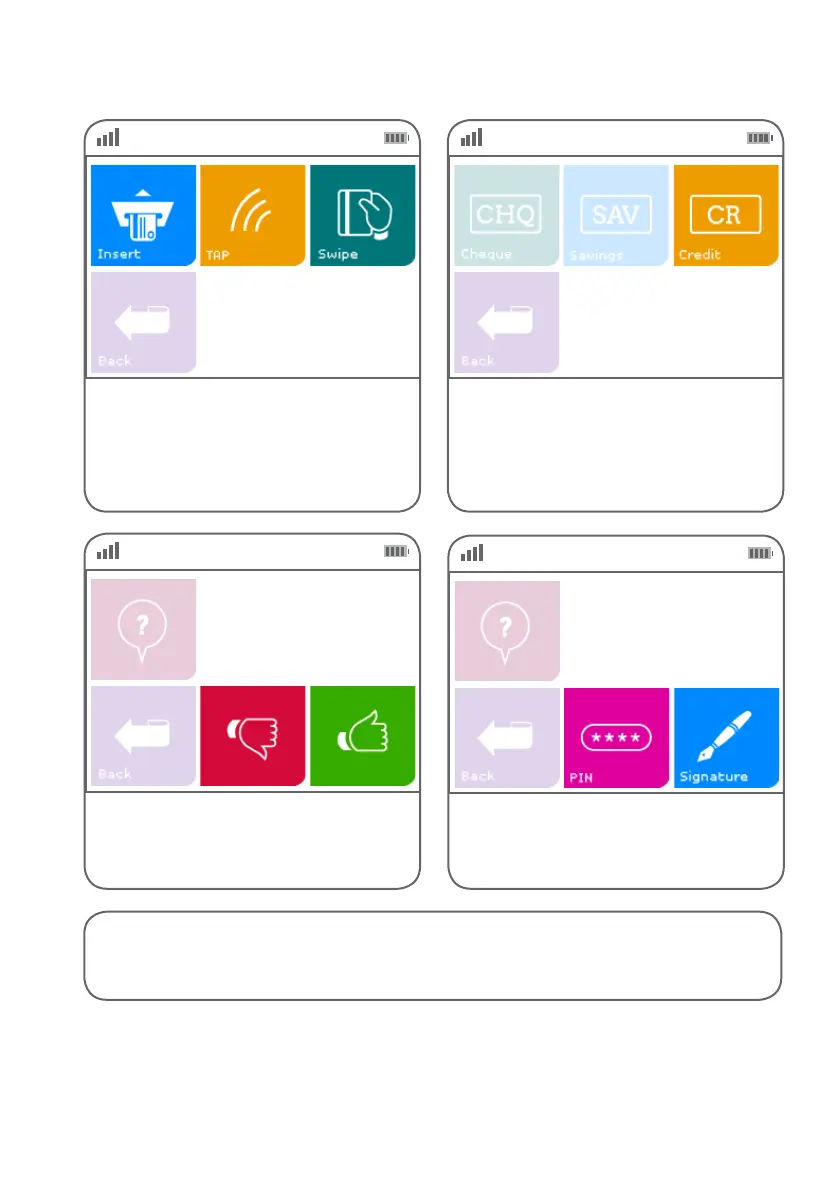
Step 05 Step 06
Step 07
Insert, tap or swipe the card.
Note: the value for a contactless transaction
is $100 or greater, the terminal will prompt the
customer to enter a PIN or insert their card.
Select the ‘Credit’ account type.
Conrm the transaction amount.
Purchase: $$.$$
Total: $$.$$
Step 08
Ask the customer if they would prefer to enter
their PIN or sign the receipt. Press ‘PIN’ or
‘Signature’ accordingly.
PIN or Sign?
Instructions continue on next page >



 To Next Page