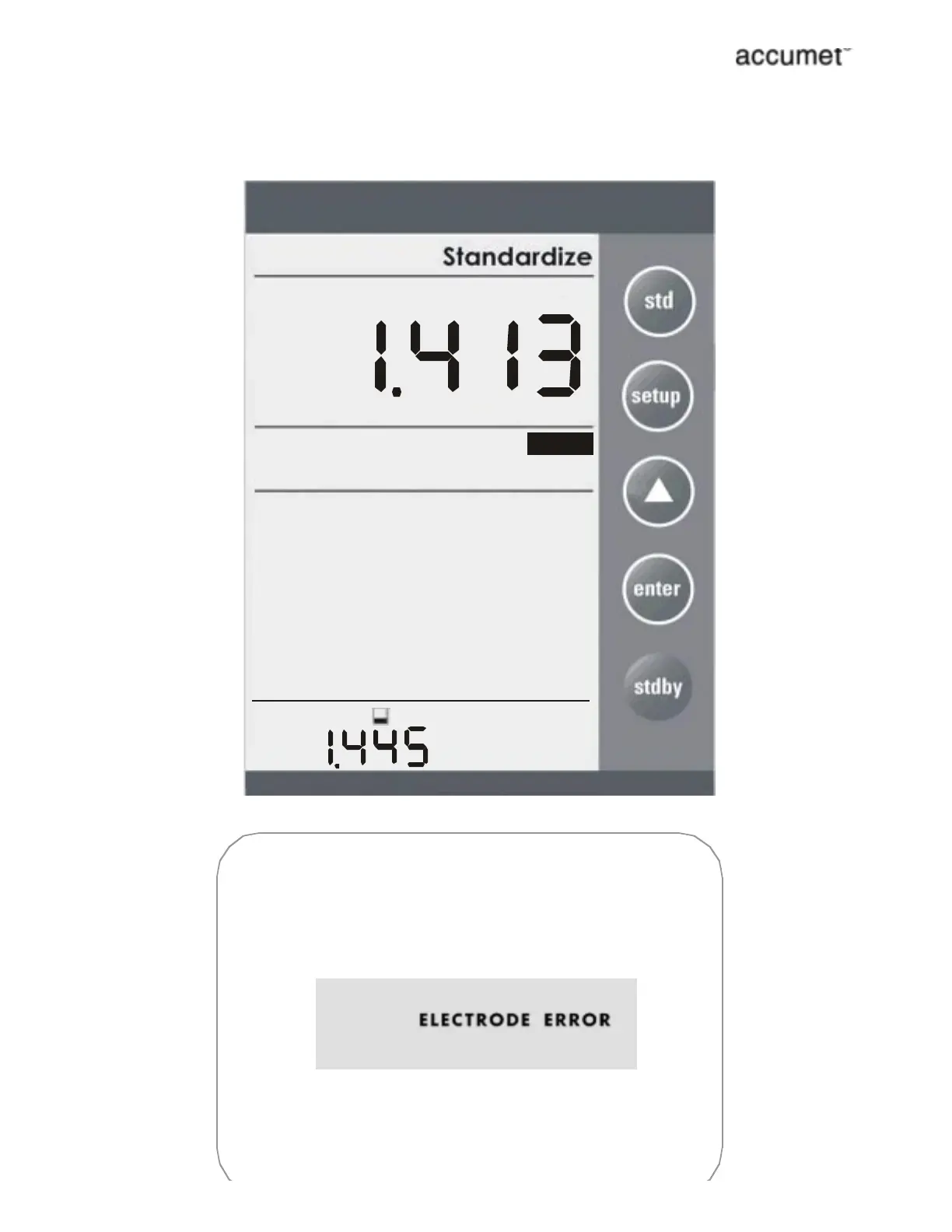
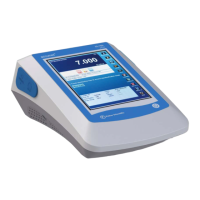
After adjusted std solution value (which will be displayed at the
upper display), press std to initiate the standardization and on
successful completion meter returns to measurement mode.
STABLE
n
n
press to select options
press to standardize
se tup
std
STD Solution
mS
FF
FF
Standardization window provided is ±40% of current reading. If
the standard value set is not within the window then meter
displays ÒElectrode ErrorÓ message after initiate the
standardization.
Press enter to return to measurement mode. In this case meter
will not accept the standardization,
If the standardization is successful, then meter displays buffer
icon in the middle part of the display in the measurement mode.



 To Next Page