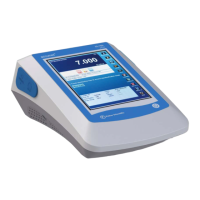
Temperature Measurement
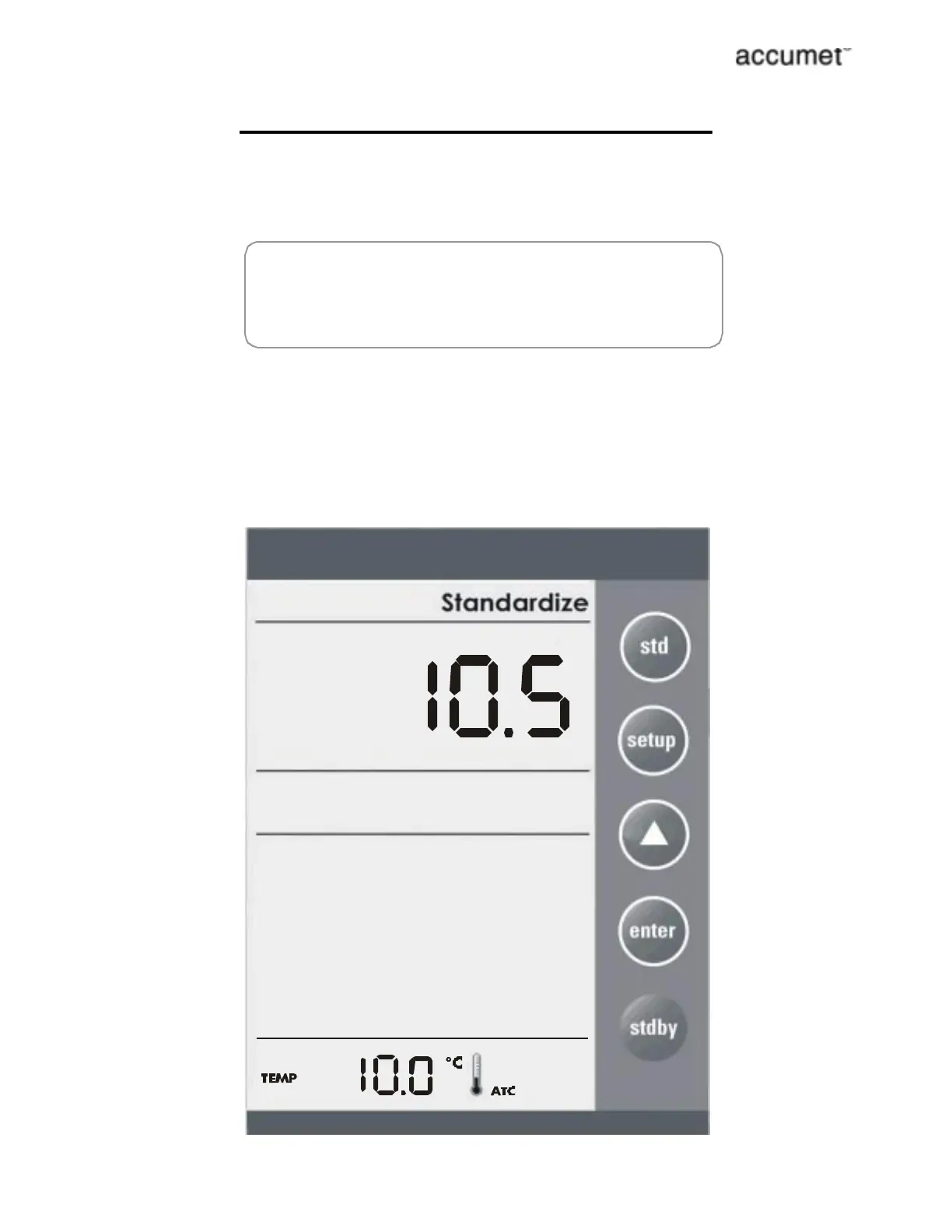
If the temperature probe is not connected then meter displays
25.0¡C default icon on the secondary display. If the temperature
probe is connected then meter senses the actual temperature
and displays with ATC icon.
FF
FF
4-cell conductivity probe has a built-in temperature sensor.
ATC Temperature Calibration
Access method: Press stdby key while pressing the setup key.
Depends on which temperature probe is connected (4 CELL/ 2
CELL temperature probe), user can adjust the temperature value
using the triangle key. Press std key to confirm the setting.
Window: ± 5¡C (9¡F)
n
n
p
ress to set value
press to standardize
s
td
p



 To Next Page