5.1.2 Program 1: View the calculated cell constant
1. Press setup to view the calculated cell constant stored in
memory.
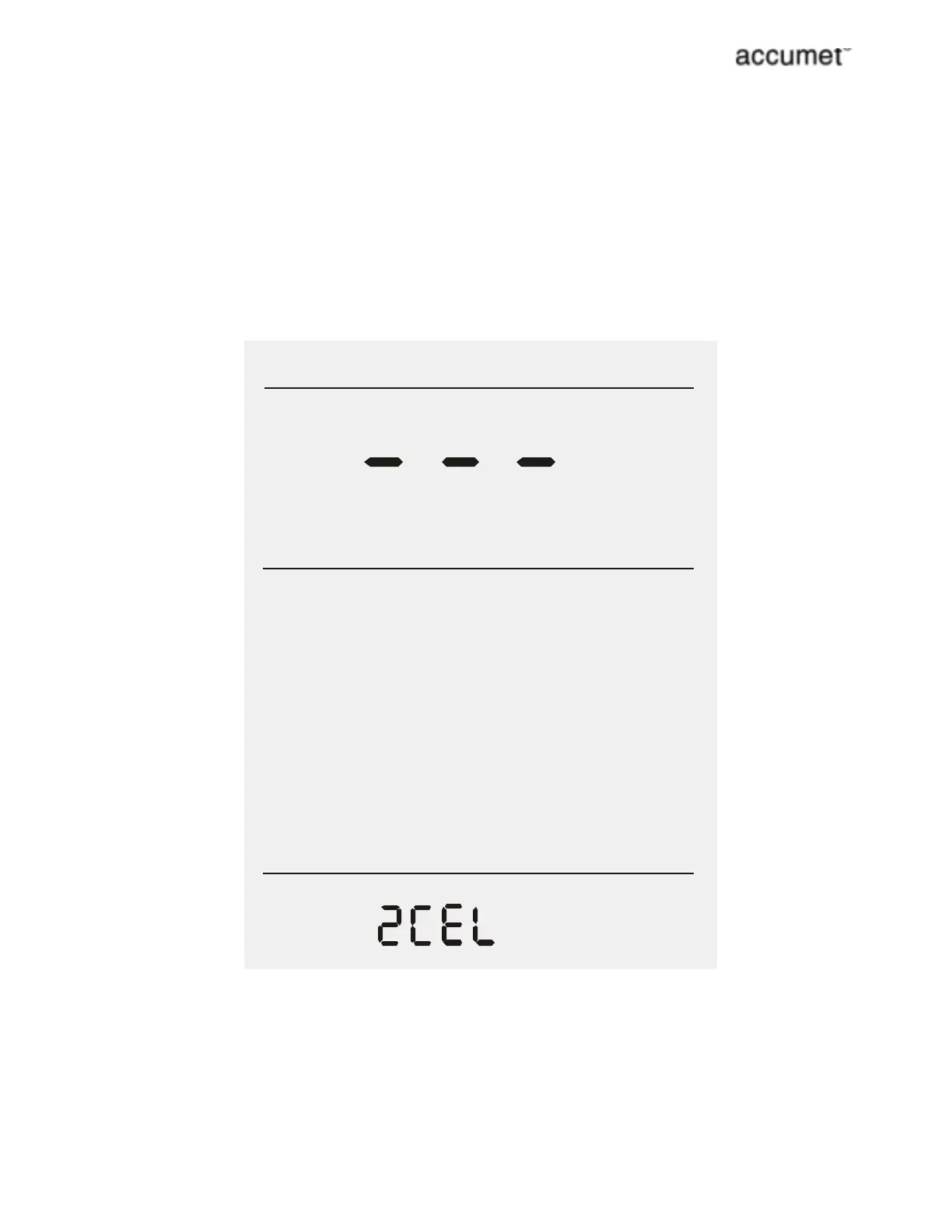
2. If there is no cell constant in memory, a series of dashes Ò---Ò
will appear. Press enter to accept the displayed cell constant
and return to the Measure screen,
OR
3. Press setup again to go to the next page.
n
n
pre ss to select options
pre ss to accept
setup
enter
Cell Constant



 To Next Page