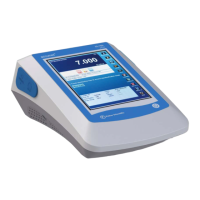
Ωohm
STABLE
n
n
pres s to select options
pres s to standardize
setup
std
7.2 Resistivity Measurement
Unit will be in ohm, kohm or Mohm.
1. Immerse the electrode into the sample solution. Stir
moderately.
FF
FF
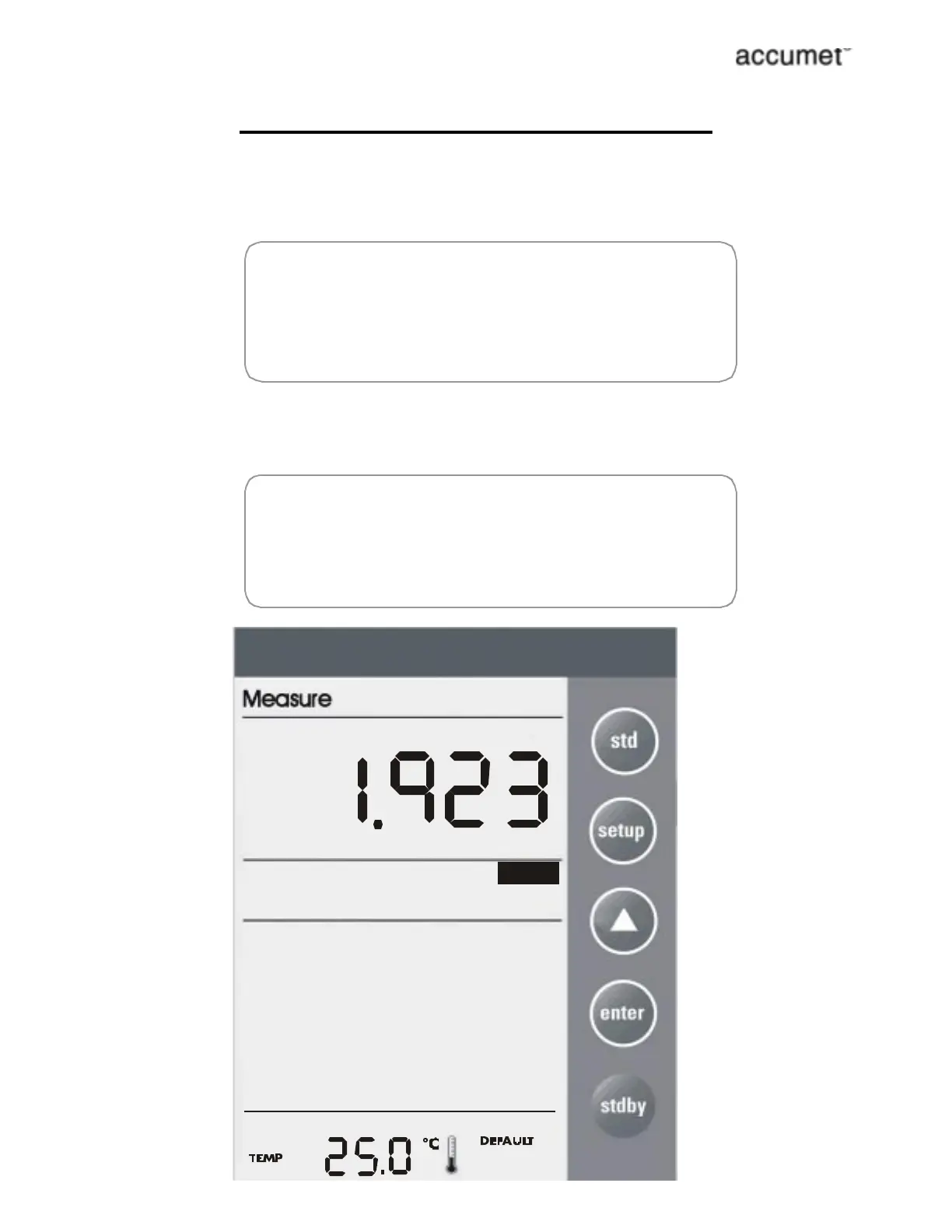
Make sure that the meter is in the Measure mode. If you are
using the 2-cell electrode, and separate temperature probe is
NOT available then meter takes 25¡C as default temperature.
2. When the meter senses that the reading has stabilized, the
stable icon will appear under the reading. The reading may
be recorded at this time.
FF
FF
STABLE icon will only appear provided that it has been set to
ÔOnÕ mode in setup. See Program 16: Enable the Stable icon,
page 22.



 To Next Page