Hardware Installation Manual for FJD 3D Excavator Guidance System
10
Copyright © FJ Dynamics Technology Co., Ltd. All Rights Reserved.
3.3 Precautions for Installation
1. Do not power on the equipment when installing it.
2. Place the equipment in a well-ventilated environment.
3. Avoid placing the equipment in a high temperature environment.
4. Keep the equipment away from high-voltage cables.
5. Keep the equipment away from strong thunderstorms and strong electric fields.
6. Remove the power plug before cleaning the equipment.
7. Do not clean the equipment with liquids.
8. Do not open the enclosure.
9. Fix the equipment firmly.
4.Installation Steps
4.1 Installation of Control Terminal
4.1.1 Required Materials
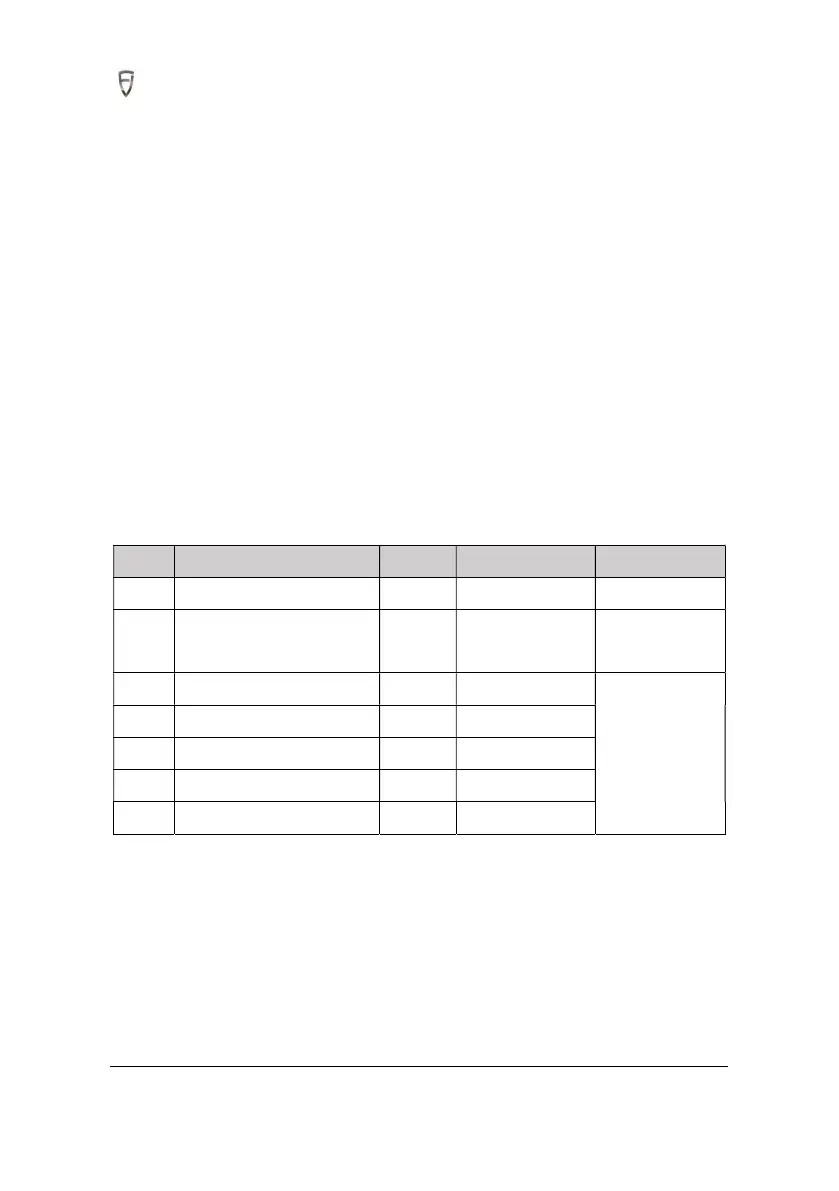
S/N Item Qty Spec./model Remark
1 Control terminal 1
2 Pan head bolt with elastic
plain washer
4 M5x12
3 Control terminal baseplate 1
Supplied with
control terminal
bracket assembly
4 Adapter bracket 1 M6x20
5 Hexagon nut 4 M6
6 Base 1
7 U-bolt 2



 To Next Page