Hardware Installation Manual for FJD 3D Excavator Guidance System
19
Copyright © FJ Dynamics Technology Co., Ltd. All Rights Reserved.
4. Installation of Control Terminal Interface
Connect the main harness interface, two RTK antennas (the Beidou1 interface is for the positioning
antenna, and the Beidou2 interface is for the directional antenna), and the 4G antenna in turn. Turn
on the power harness switch to check whether the power indicator of control terminal comes on and
start control terminal to check whether it works normally.
5. Inspection of Harness Installation
Check in turn whether the power harness, smart main harness, sensor harness, RTK feeder, and 4G
antenna feeder are firmly fixed and whether the excavator pulls the harness or involves other
interference.
4.5 Installation of SIM Card
4.5.1 Required Materials
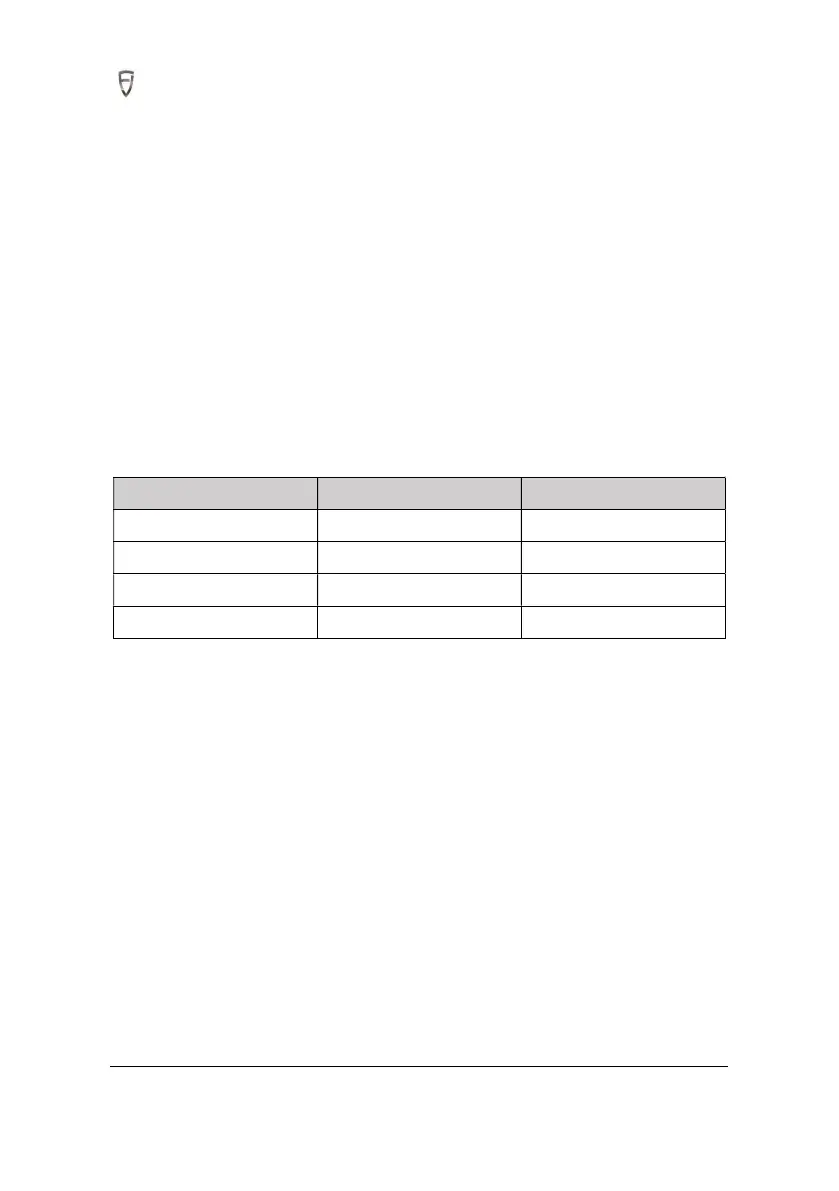
S/N Item Qty
1 SIM card 1
2 Ejector needle 1
3 Tweezers 1
4 Cross screwdriver 1
Precautions for purchasing SIM card:
1.Please purchase a SIM card that supports the 4G communication module frequency band of the
control terminal. Please make sure that the SIM card supports the following 4G communication
frequency bands before purchasing:
LTE FDD: B1/B3/B5/B8
LTE TDD: B38/B39/B40/B41
TD-SCDMA: B34/B39
WCDMA: B1/B8
GSM: 900/1800MHz
2. Please check that your SIM card has activated the data service.
3. After installing the SIM card, please refer to the SIM card manual to verify if APN and network type
need to be set. If necessary, please turn on control terminal and complete the network configuration
in the built-in Android system.



 To Next Page