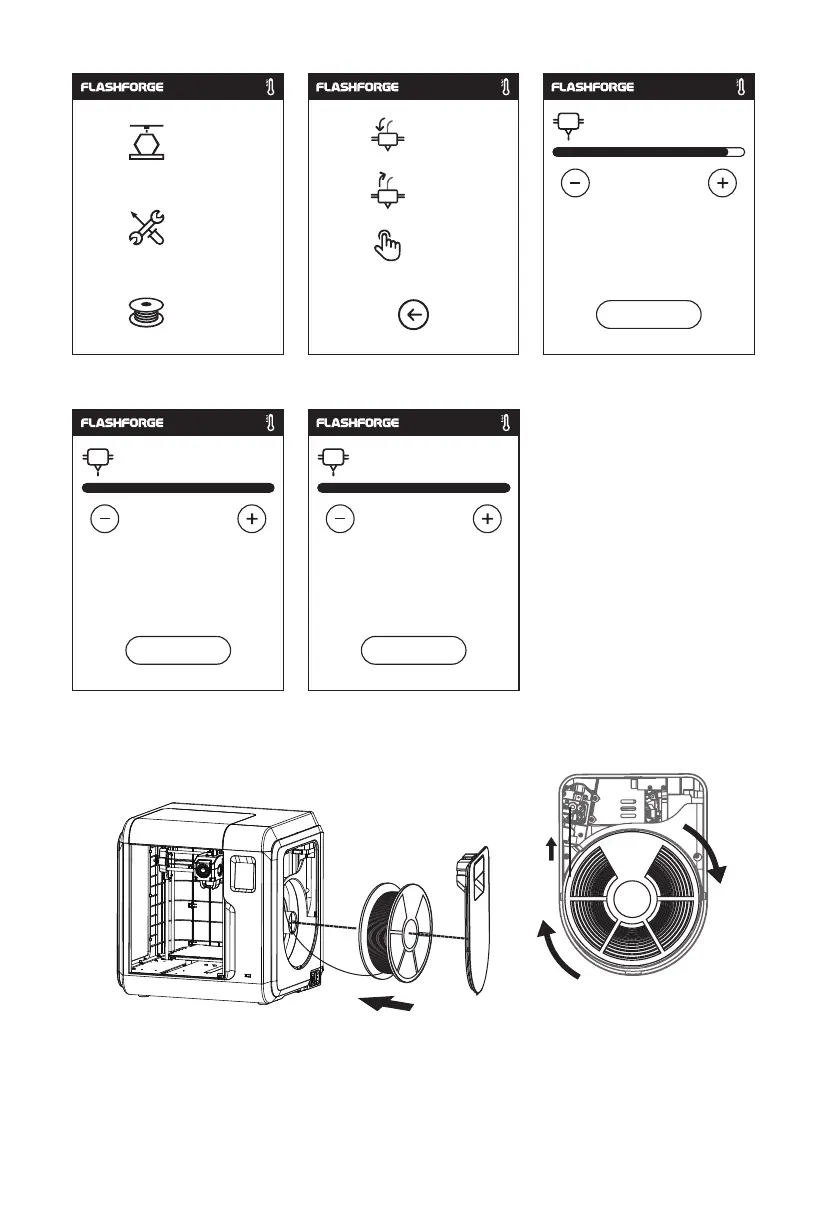
2. Tap [Filament] - Tap [Load] - After load completed - Tap [OK]
3. Load completed when you see filament come out of extruder, Tap [OK].
Put the spool of filament on the spool holder, close the filament cover.
Mind the loading direction of filament, make sure
to be clockwise as the picture showed.
Build
Load
Change
Manual
Tools
Filament
24
Heating extruder...
Cancel
240/265℃
OK
Preheat completed.
Begin loading.
265/265℃
OK
Press OK when new color appears
265/265℃















 To Next Page