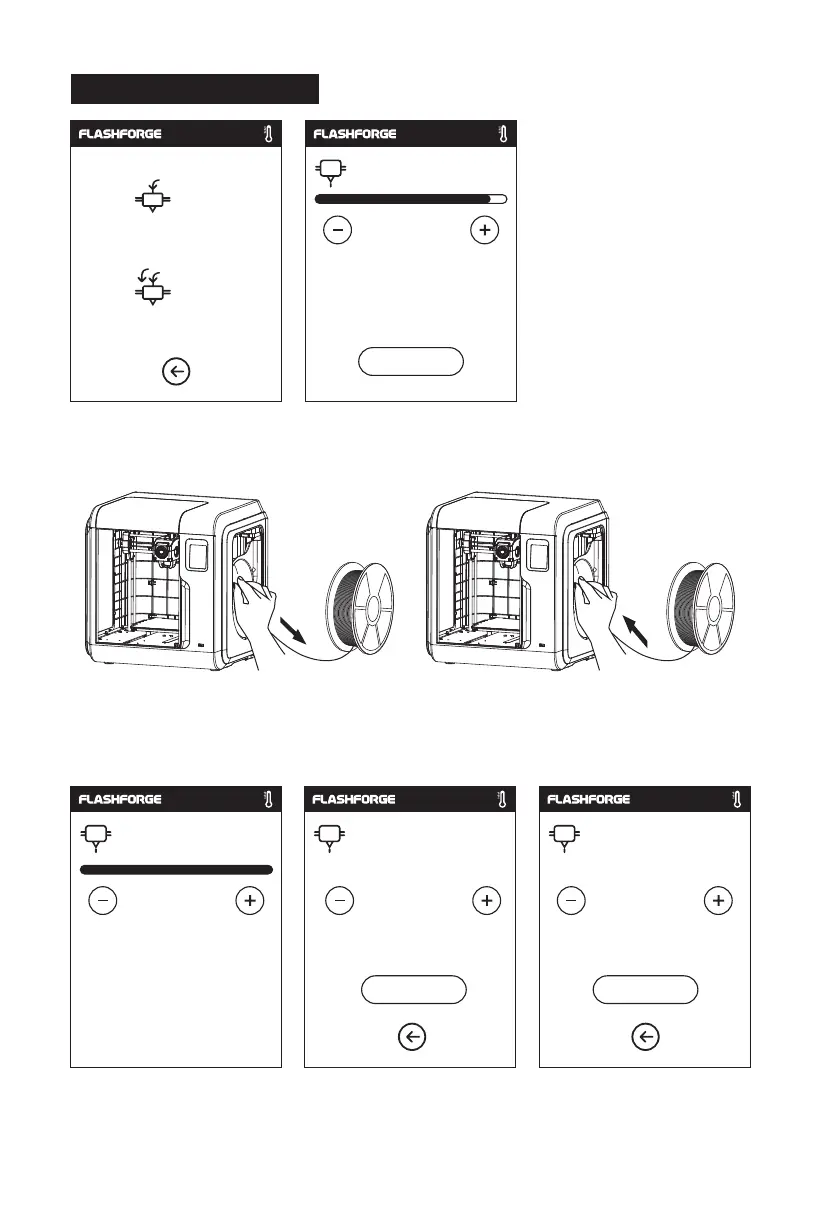
1. Tap [Filament] - Tap [Change], extruder will start preheating.
2. Pull out the filament as the picture
showed above.
4. When new filament come out of extruder steadily, replace is completed, Tap [OK].
3. Insert new filament into the filament intake
and push the filament into the feeding wheel
until resistance is sensed.
2.4.5 Replace Filament
Load
Change
37
Unloading the filament,
please wait...
265/265℃
Pull out filament,
feed new filament, press [OK]
OK
265/265℃
Please insert the filament
OK
265/265℃
Heating extruder...
Cancel
240/265℃















 To Next Page