2.5.4 Error Handling
Notices
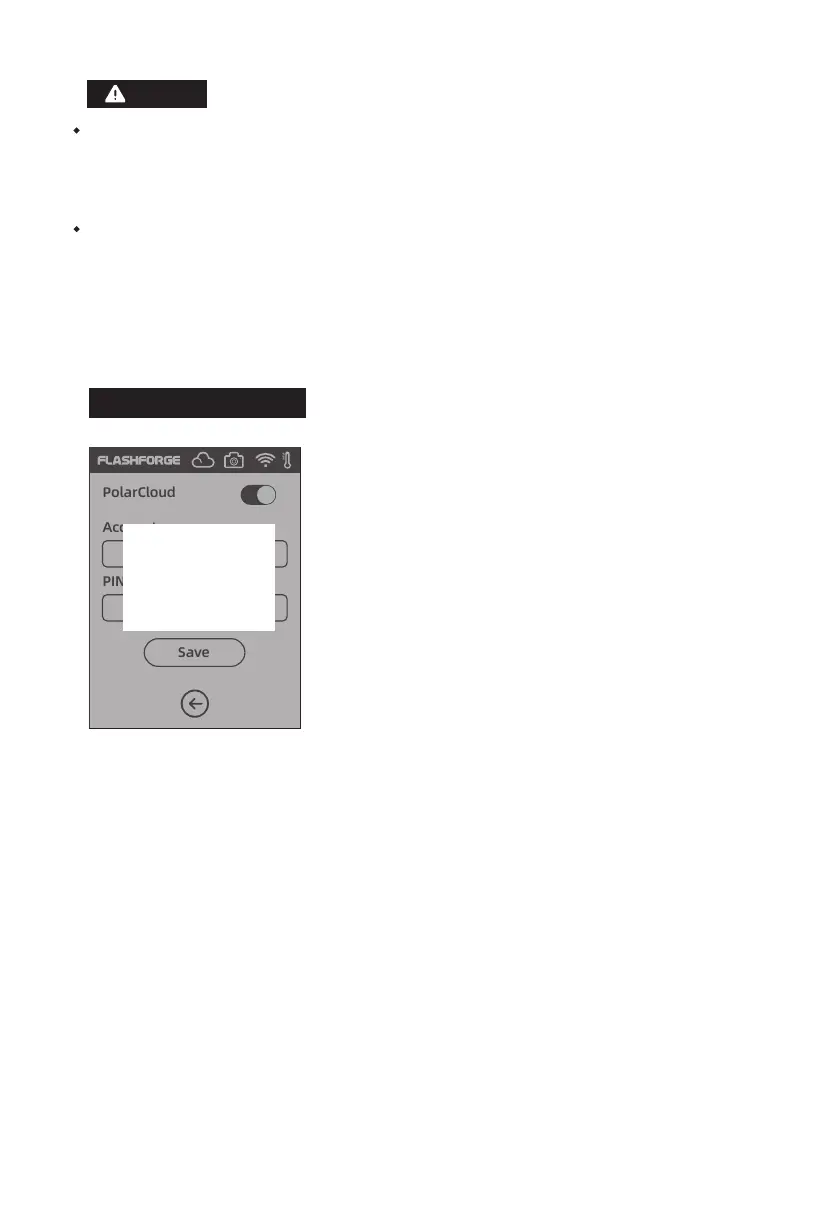
PolarCloud
Account:
PIN:
Save
If the lower computer does not connect to Polar cloud
and the printer has is deleted from the Cloud, the error
is reported; at this point, the factory settings can be
restored in order to solve the problem. After the lower
computer connects to the printer and the printer is
deleted from the Cloud, the sign-up needs to be done
again according to the foresaid steps.
a. If Polar cloud is in an intranet [that is, the printer and PC connect to the same router],
the video is shown, and the state of printing can be displayed in real time. If Polar cloud
is in an extra-net, the pictures are shown [in case of printing, a picture is sent per 20s;
in case of not working, a picture is sent per 60s].
b. When the camera is turned on or off, the lower computer will turn off and reconnect
Polar cloud, so Polar cloud will not respond for a while. The recovery time depends on
the state of network.
Confirm
Error
45















 To Next Page