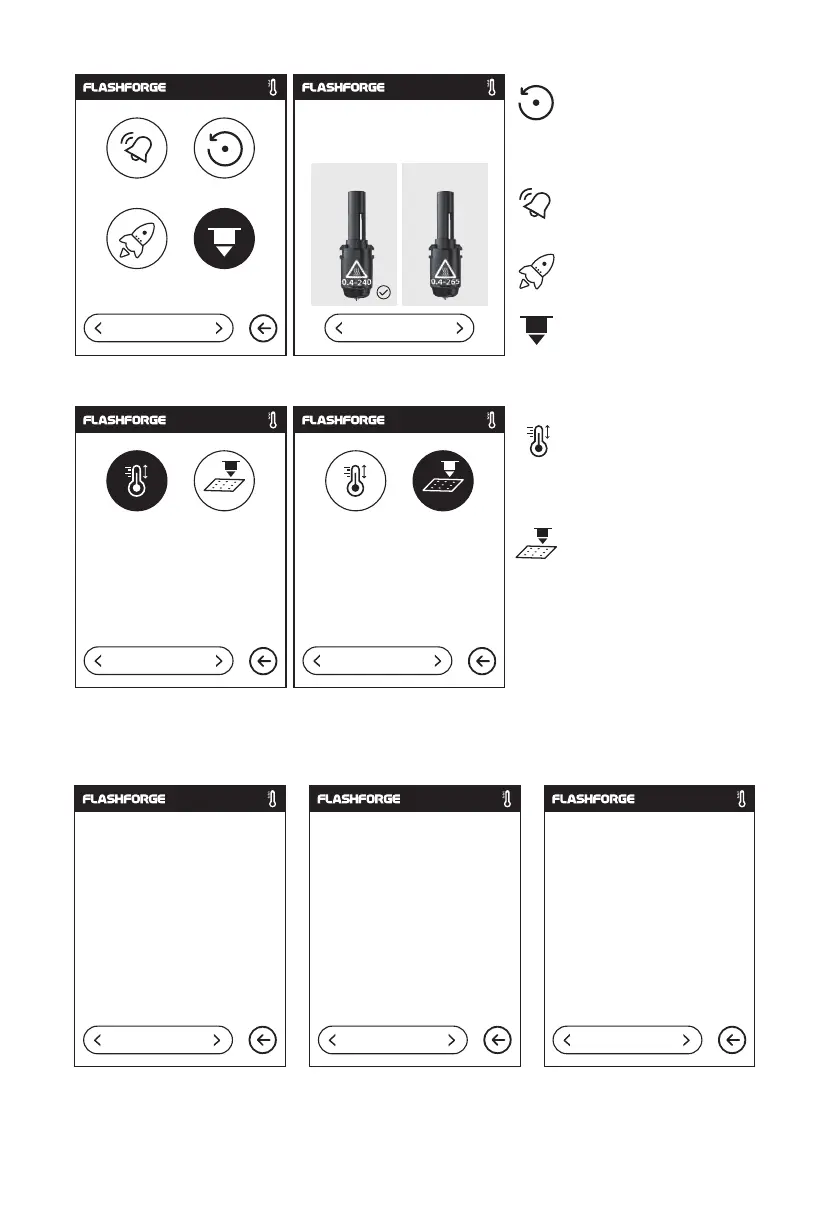
2.3.2.4 About
Machine Type:
Serial No.:
Register Code:
Polar Serial No.:
Adventurer 3 Pro 2
123456
XXXXXX
XXXXXX
Firmware Version:
Build Volume:
Usage counter:
IP address:
v1.03-1.1
150x150x150
12 hours
10.90.243.184.8899
Wi-Fi Mac
02:00:00:00:11:66
1/3 2/3 3/3
Nozzle Check:
use temperature to calibrate
after changing extruder.
Auto Calibration:
When the calibrated extruder
fails to satisfactorily print a
large model, or failure occurs
due to uneven platform,
please to use automatic
leveling.
Shows the basic information about the printer.
Notice: When contacting after-sales support, please give your Serial No to after-sales
engineer, which is showed in the [About] interface.
Please select extruder
Buzzer Factory Reset
Update Extruder
3/4
1/2
240℃ 265℃
Delete all data in internal
memory, return the printer
to factory setting.
Factory Setting:
To turn on/off the buzzer.
Buzzer:
To update printer firmware.
Update:
Select the nozzle type.
Extruder:
21
NozzleCheck AutoCalibration
4/4
NozzleCheck AutoCalibration
4/4















 To Next Page