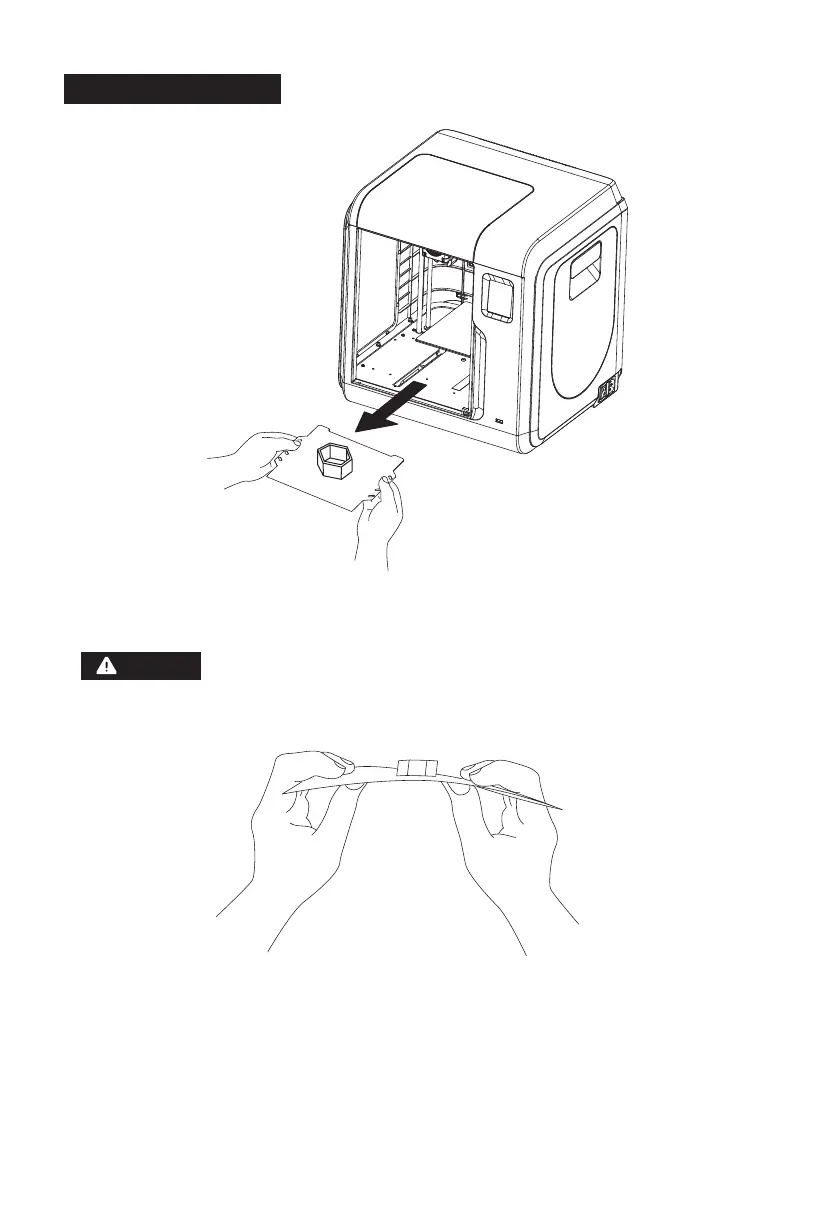
2.4.4 Model Remove
36
As showed in picture, grasp the handles on both sides of the platform
directly with both hands, and pull outwards to remove the build platform.
When printing completed, extruder and build plate may still hot,
please start operating after cooling down!
Notices
Please remove models after the platform has cooled down. If models are removed
when the platform is not completely cooled down, bubbles will occur on the
surface of the platform.
It is recommended to take the platform to the outside of the equipment for model
removal, otherwise the model debris will remain in the equipment. Please keep
the inside of the printer clean.
Please use the back side of the build plate when printing with PETG.















 To Next Page