3. Connect Adventurer 3 Pro 2 to the Internet. Choose the proper connecting way in the Network
interface [the connecting way consults pagexx].
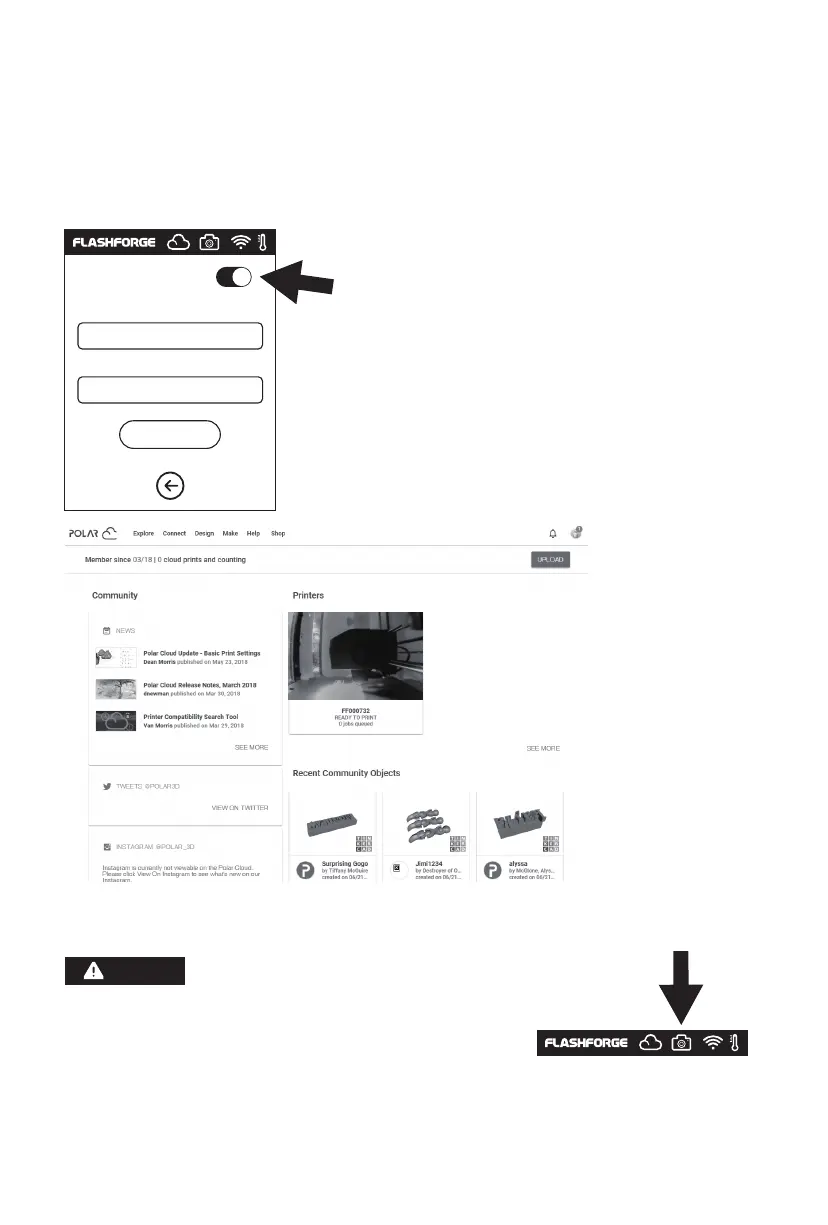
4. Connect Adventurer 3 Pro 2 to the Polar cloud
After the connection is completed, you can see the camera image in Polar cloud website.
1. Make sure the printer is connected to the Internet.
2. When using the camera please make sure the camera
is in the camera status instead of USB status.
[There should be a camera icon in the status bar.]
Enter the cloud connection interface [click Tools- Network-
Cloud], turn on the Polar cloud switch [After the Polar cloud
is turned on, the switch will change in to green].
Fill in the bottom account and pin code column Polar
account an pin code showed before respectively, click [Save].
Notices
Polar cloud switch
PolarCloud
Account:
PIN:
Save
42















 To Next Page