5.1 Wireless Network Connection
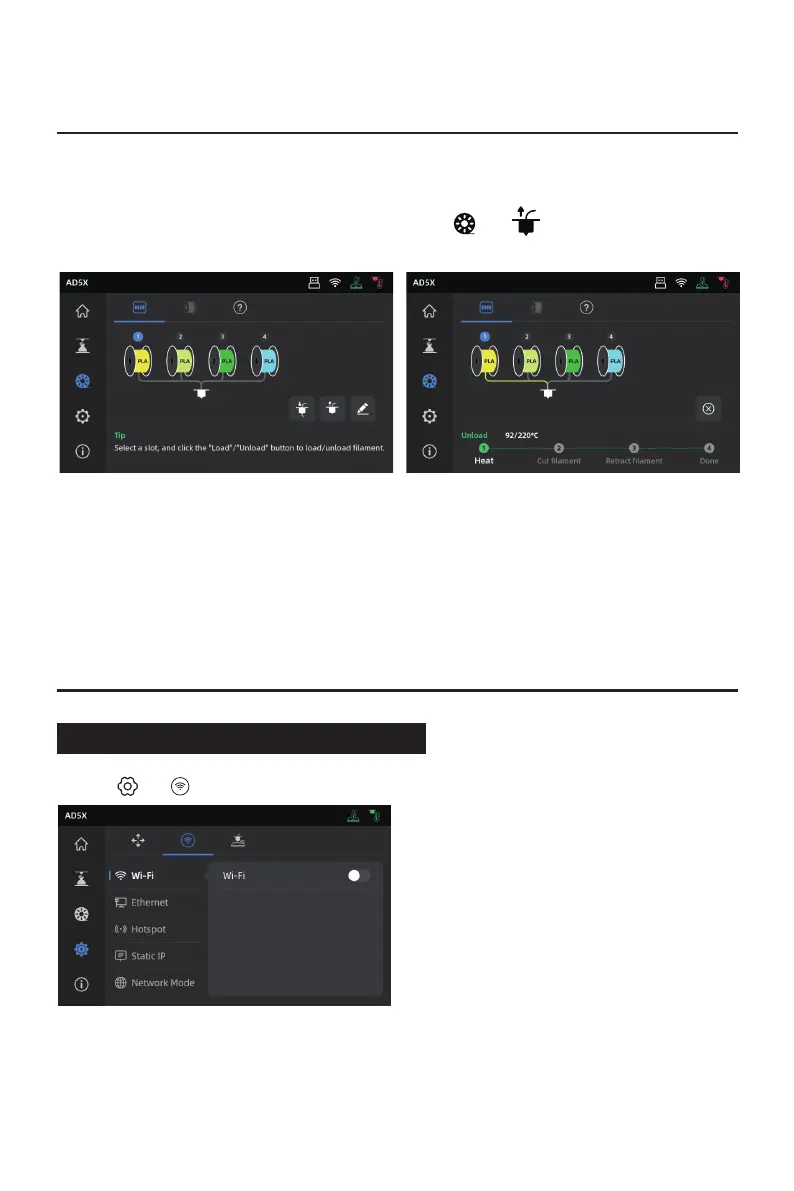
1. If the filament has not entered the extruder feed roller, you can manually pull it out.
2. If the current filament is still inside the extruder, click [ ] - [ ]. The filament will retract to
the top of the guide tube. Once it has retracted from the extruder, you can manually pull it out.
13
4. Unload/Change Filament
5. Network Connection
1. Click [ ] - [ ] to enter the network connection interface.















 To Next Page