Orca-Flashforge
2.2 Slicing Software Instructions
07
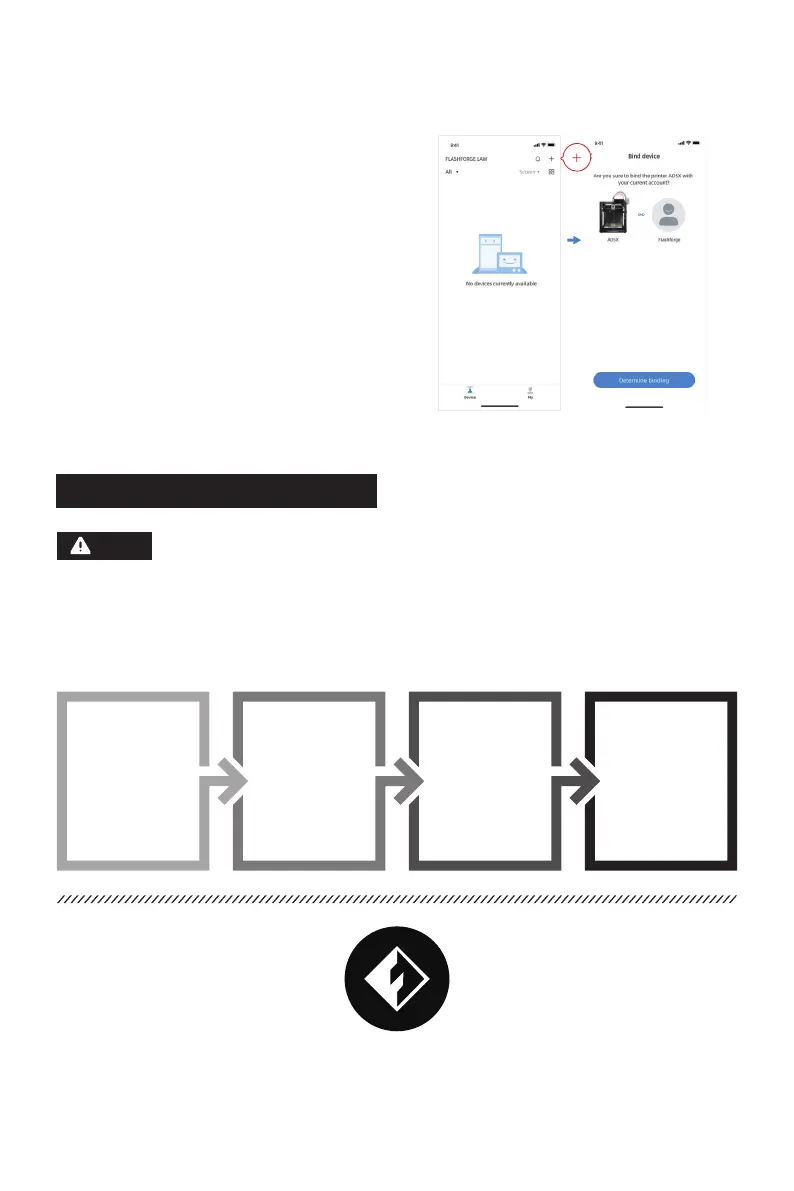
4. Use Flash Maker to scan the QR code on the
printer screen to bind the printer to your
account.
Note
Before printing 3D model files, you need to configure slicing presets for the corresponding printer.
Recommended slicing software: Orca-Flashforge.
Before reading the brief instructions, please ensure you have reviewed the Quick
Start Guide and completed the first print.
Pre-printing Steps:
Obtain the 3D file
( STEP/STL/
OBJ/3MF )
Download and
install the slicing
software
Use the slicing software
to convert the file into
the machine-readable
format
Import the sliced file via
a USB flash drive or
network transfer to the
printer for printing
01 02 03 04
* The steps are illustrated for one machine type.















 To Next Page