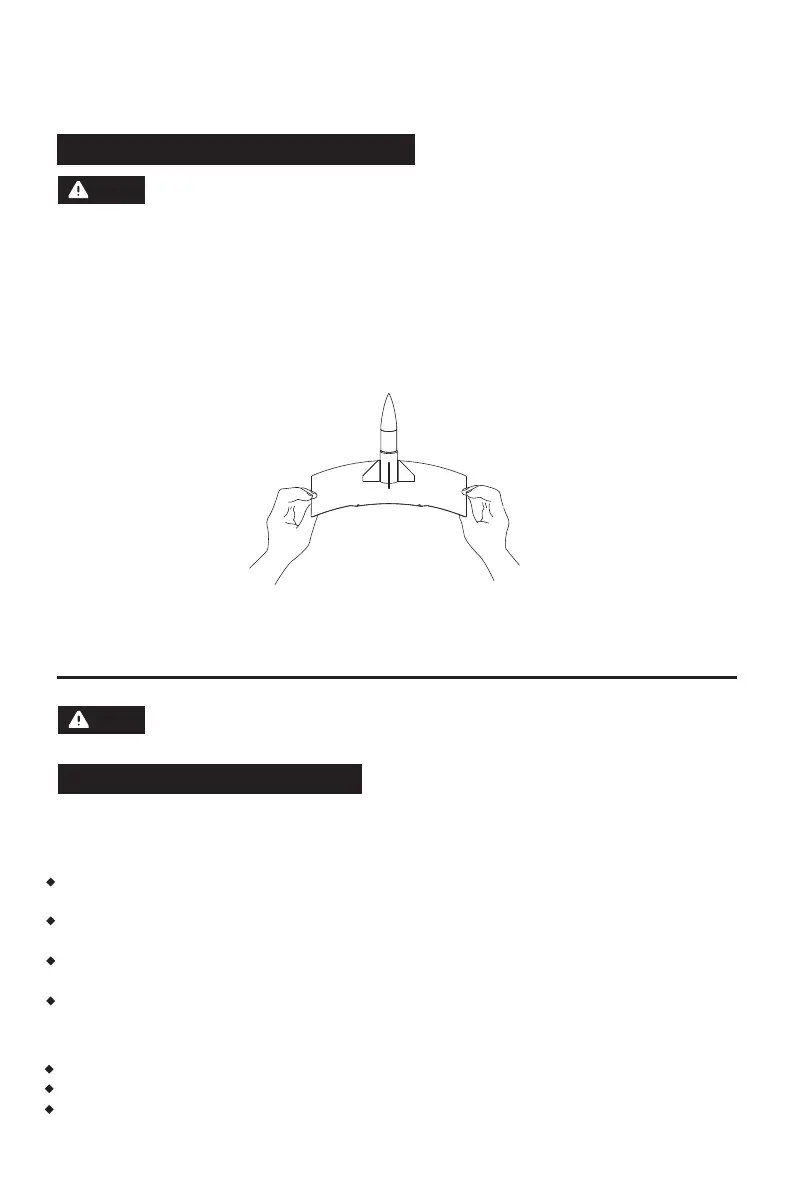
6.3 Model Removal After Printing
7. Introduction to Auxiliary Functions
19
When printing is completed, the nozzle and build plate may still be at a high
temperature. It is recommended to allow them to cool down before removing
the model.
After printing is completed, directly take out the flexible steel plate and bend the platform to
remove the model. Ensure there is no residual filament on the platform before the next print.
Tips on Model Removal:
1. Please take the platform plate outside the printer for model removal to prevent model debris
from accumulating inside the printer. It's recommended to keep the chamber clean.
2. For models printed with TPU or other flexible materials, it is recommended to use a scraper
for removal, which ensures you can remove the flexible model from the bed without causing
damage.
Note
7.1 Leveling and Calibration
During the first startup, equipment calibration will be performed. During subsequent use, choose
leveling or vibration compensation as needed.
When to perform leveling:
If continuously printing with PLA material, perform automatic leveling once with no need to do so
before each print. However, performing leveling can inevitably improve the printing success rate;
When switching between different materials (e.g., from PLA to ABS), please perform leveling before
each print;
If the platform-nozzle distance is too far (poor adhesion) or too close (no filament extrusion), please
perform automatic leveling;
After replacing the build plate or nozzle, please perform automatic leveling. Be sure to perform
leveling after nozzle change to avoid the risk of damaging the extruder.
The interface layout may change whenever there is an upgrade
of firmware.
Note
When to perform vibration compensation:
When there is noticeable ghosting and ringing on 3D prints;
After adjusting the tension of the synchronous belt;
When the printer has been unused for a long time and is now being restarted.















 To Next Page