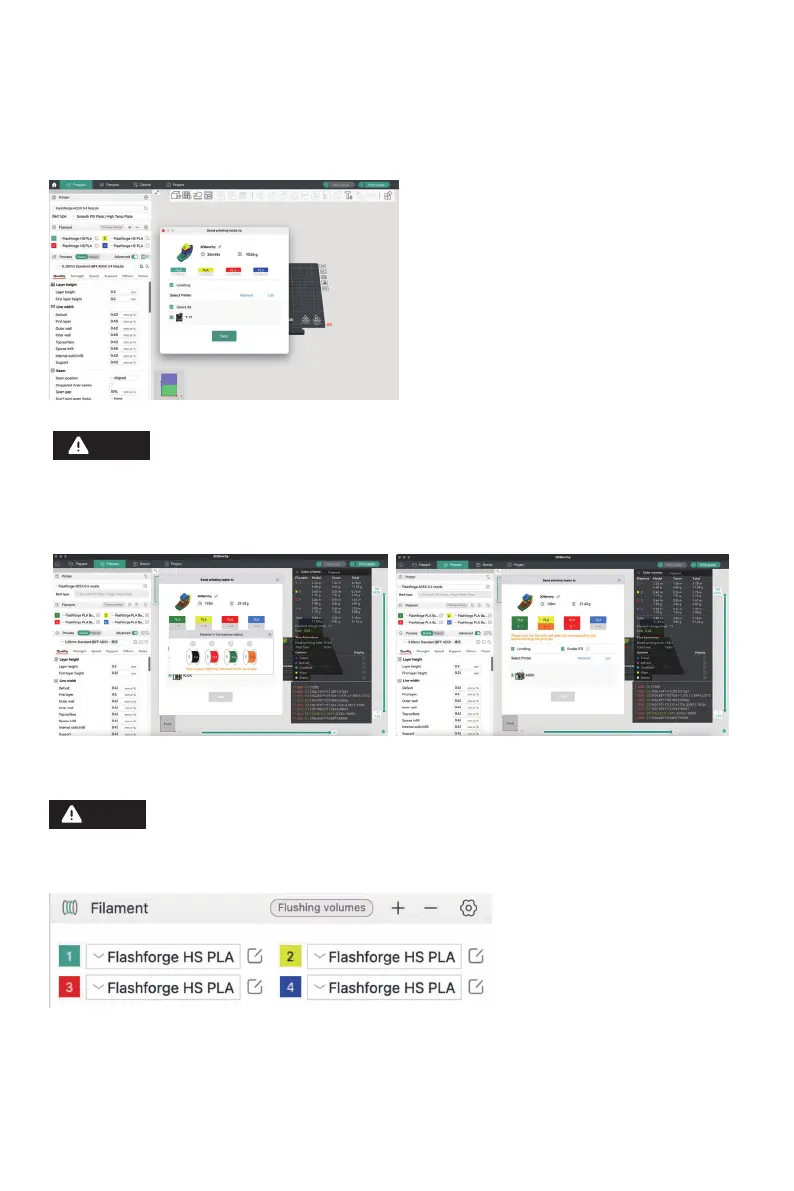
3. After connecting the printer to the slicing software, you can click [Print plate] after slicing, select the
corresponding printer, and then click [Send].
For multi-color printing, filament information needs to be configured manually. Click the
corresponding channel and select the filament in the matching or similar color. (Once the IFS
information is configured on the device, the slicing software can retrieve the IFS information
from that device, as shown below:)
16
The numbers embedded before each color in the Filament bar are just the order numbers for
filaments and are not related to the IFS channel numbers.
Note
Note















 To Next Page