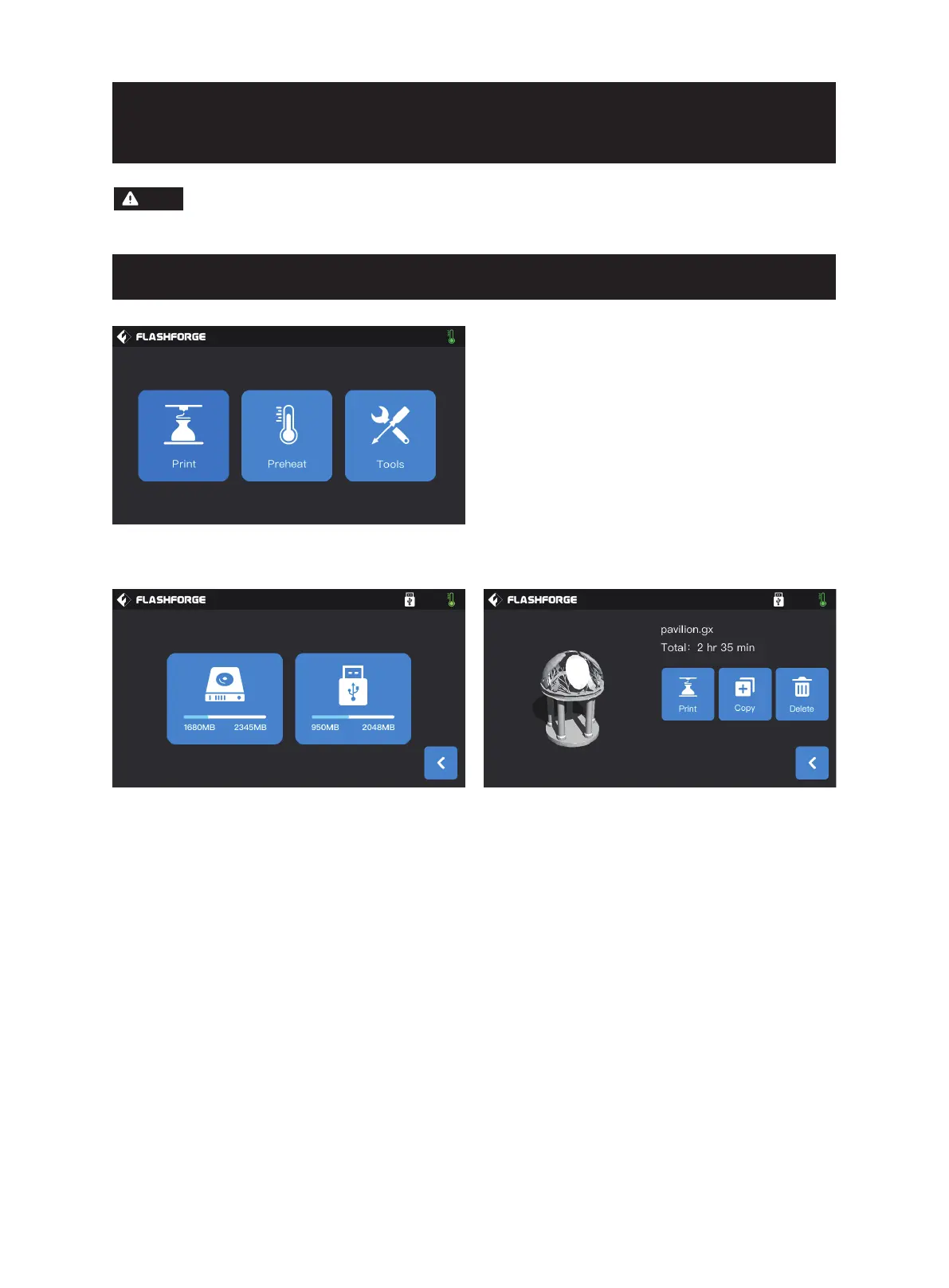
Select the printing file from the file list
1. Print:Start printing;
2. Copy:Copy the file from the USB disk to the local
memory card of the printer (This function is unavailable
when local memory card printing is selected);
3. Delete:Delete this printing file.
Click [Print] and select the model to be printed.
Select the path to read the printing file:
1. Read from the local memory card of the printer;
2. Read from the external USB disk.
Attention: The firmware is upgraded from time to time. Please refer to the actual display screen
for the interface. The following is only a brief introduction of functions.
22
Note















 To Next Page