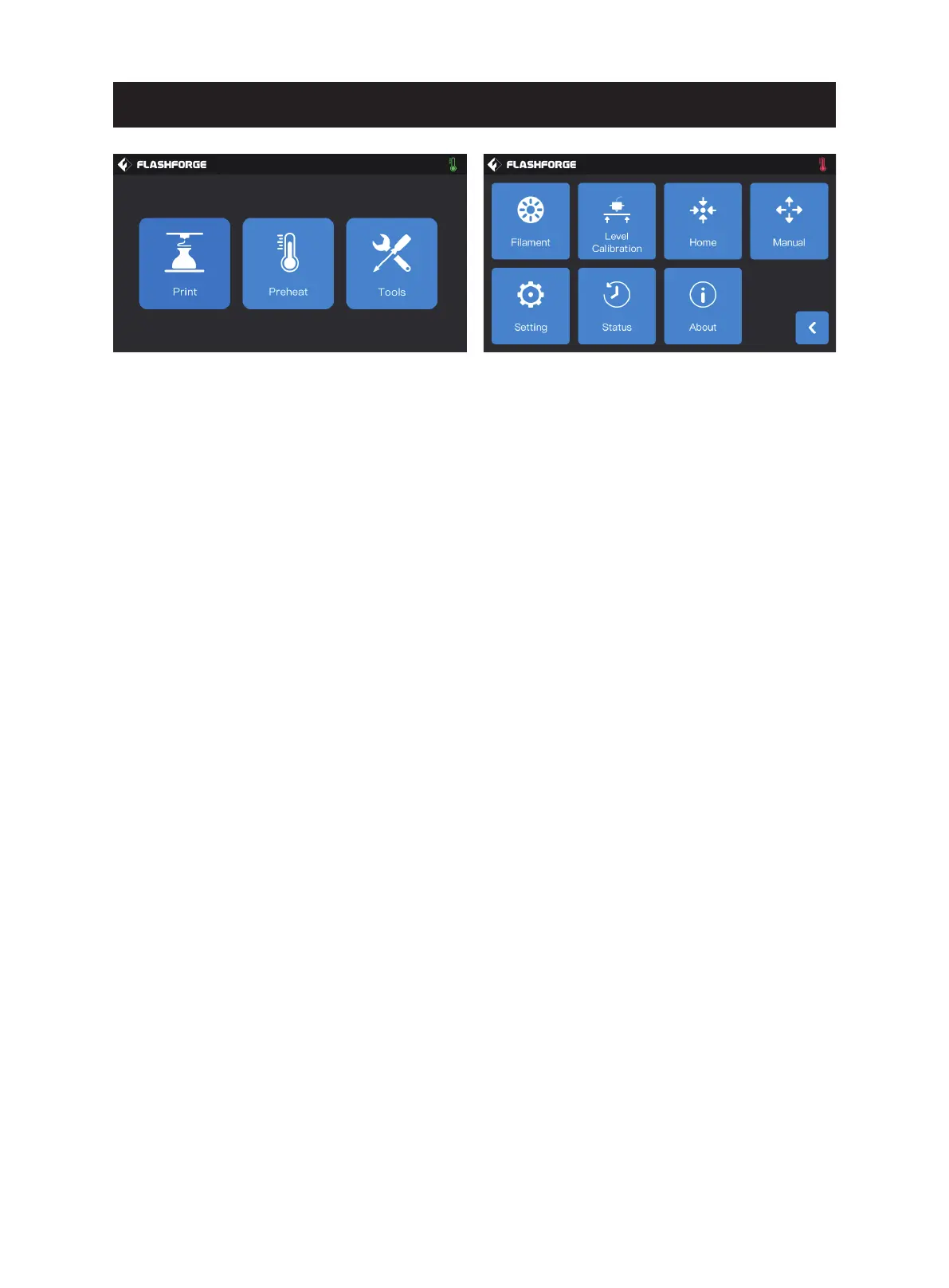
Tools screen function:
1. Filament: You can perform filament loading/unloading operation;
2. Level Calibration: You can level and calibrate the extruder and build plate values;
3. Home: You can make the X/Y/Z axis of the printer back to the mechanical origin;
4. Manual: You can manually adjust the position of X/Y/Z axis;
5. Setting: You can set the relevant functions of the printer;
6. Status: You can check the real-time status of the printer;
7. About: You can check the version information of the printer, etc.
24















 To Next Page