Finder2.0 User Guide |
www.flashforge.com
4-3
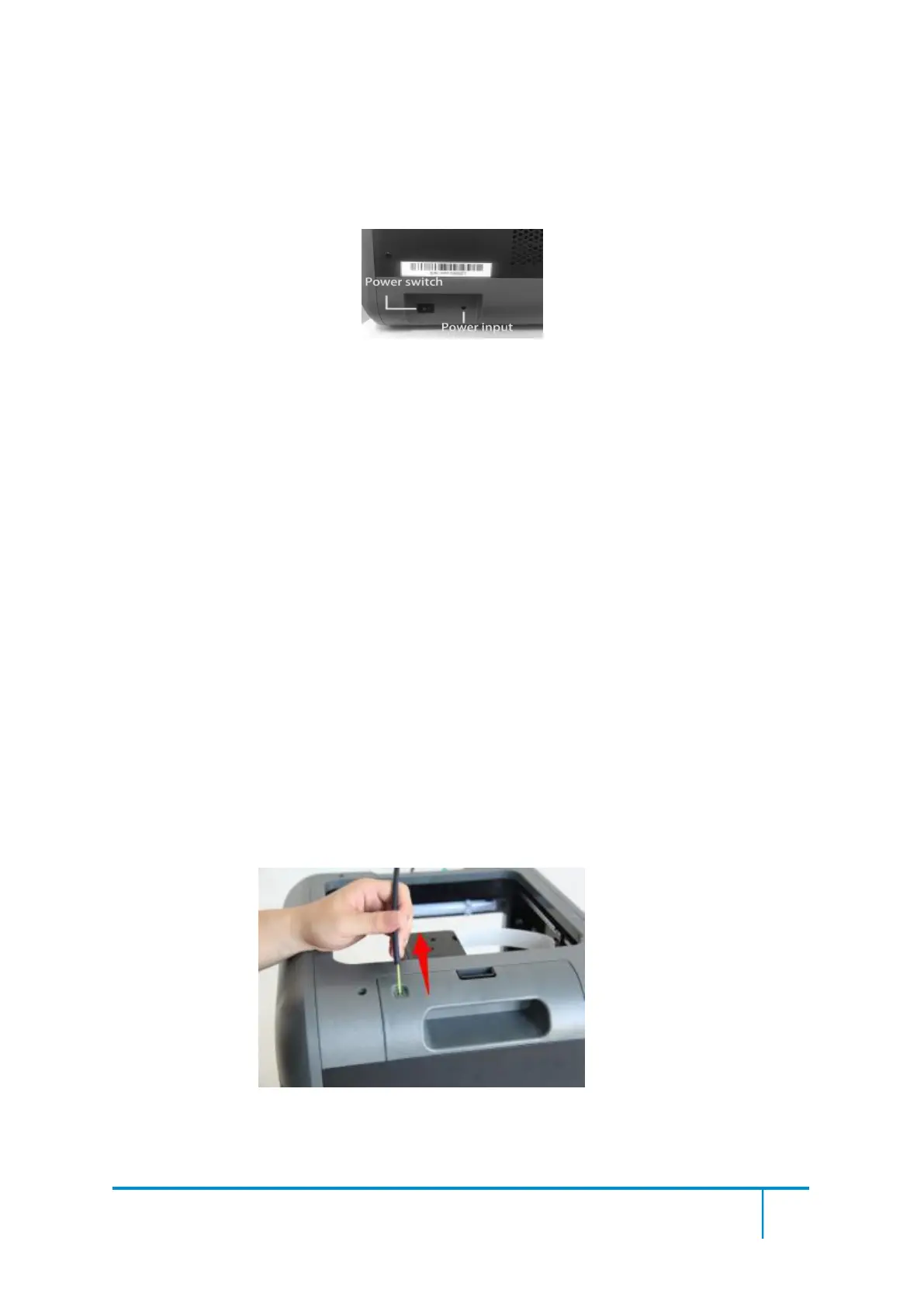
(4-3)Insert the power supply into the power input on the back of the Finder2.0 and
plug the power cord into an electrical outlet.
Then press the power switch to “I” (Power switch is located near the power input.)
Your Finder2.0 printer is now turned on
!
By tapping the black button near the touch screen once, the printer will be in black
screen status(printing not affected), then if you want to resume to normal status,
tap the display on/off button again.
For stable filament loading and proper device protection, you need to install the
filament guide tube properly.
(4-5) Take out the filament guide tube, thread the filament from the filament
cartridge through the tube.
4-5
(4-6) Insert the filament from the filament guide tube into the filament intake.















 To Next Page