Finder2.0 User Guide |
www.flashforge.com
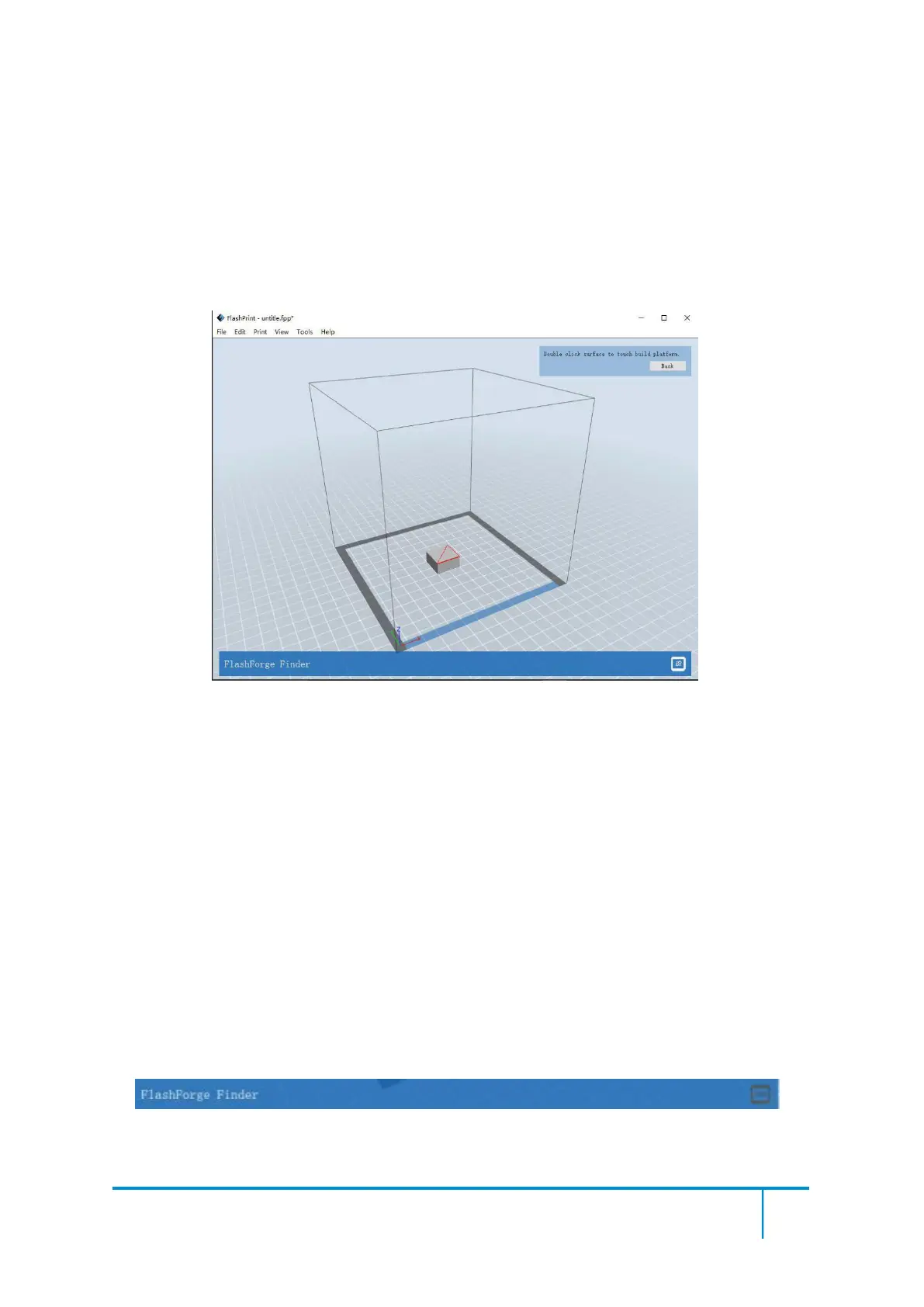
After selecting the model, you can make the model surface to platform via the
following operation.
Click [Edit]--[Surface to Platform] into surface to platform mode(As
shown in the picture)
⑧Auto Layout All
Click [Edit]--[Auto Layout All] after loading one or more than one models, all
models will be placed automatically as automatic placement rule.
① Connect Machine
You can connect the Finder2.0 with your PC via a USB cable or WIFI.
Note: The machine icon on the bottom right displays the connection status:
Connected
Disconnected















 To Next Page