Finder2.0 User Guide |
www.flashforge.com
needed. Press down the left mouse button and drag to generate the support.
8-11
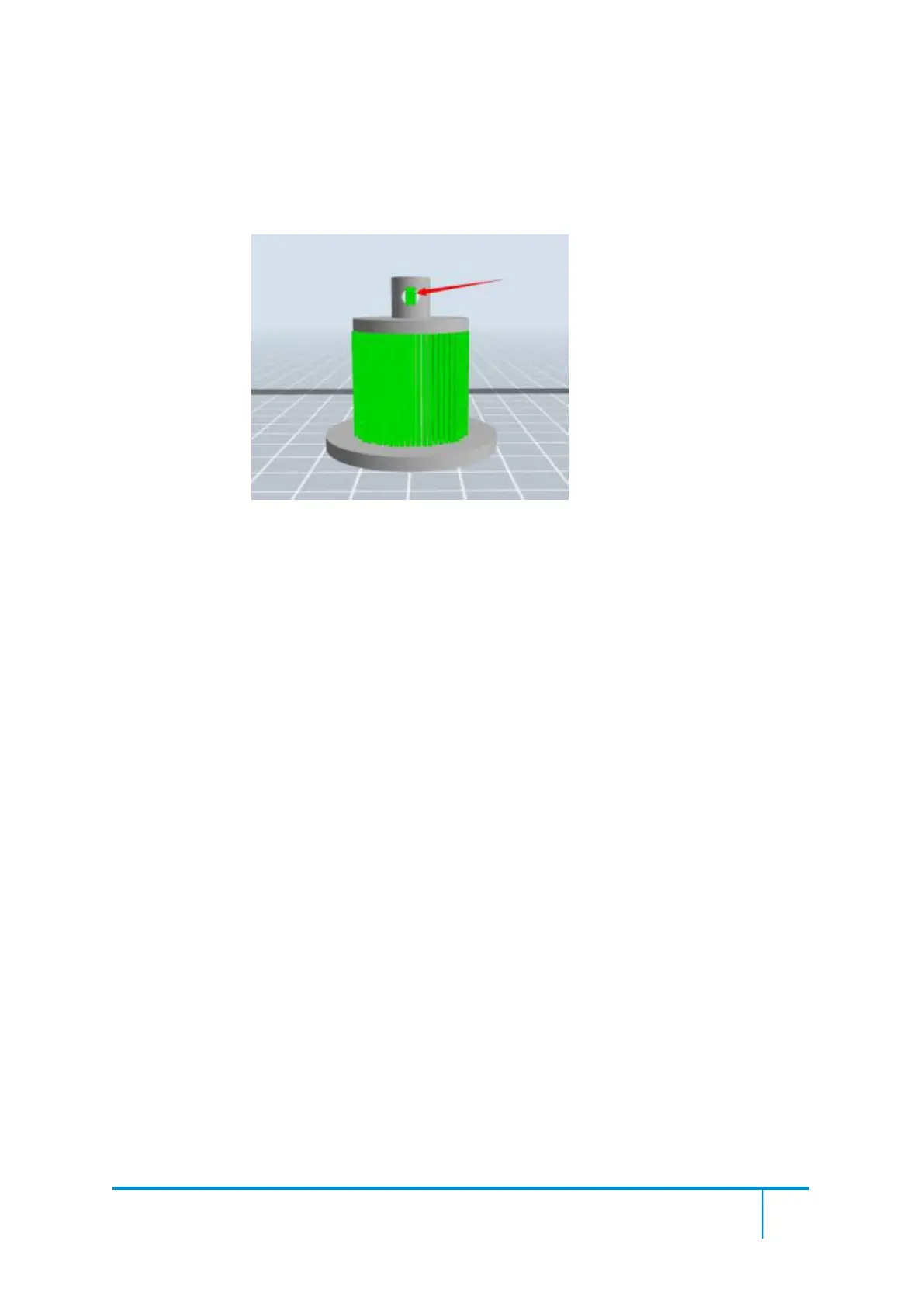
Like the picture above, a hole inside the model doesn’t need any supports.
Left click the [Delete] button and then left click the supports needed deleting. And the
support will be deleted.
8.2
Control over Printing Quality
①
Enhance the build plate adhesiveness
● Leveling the build plate
● Keeping the build plate smooth and tidy
● Using the build tape or glue
② Adjusting the printing speed
● Low (Fast) (Print Speed 80mm/s Travel Speed 100mm/s)
● Standard (Print Speed 60mm/s Travel Speed 80mm/s)
● High (Slow) (Print Speed 50mm/s Travel Speed 70mm/s)
● Hyper (Print Speed 50mm/s Travel Speed 70mm/s)
8.3
Skills of Model Placement















 To Next Page