Finder2.0 User Guide |
www.flashforge.com
4-9
(
4-9
)
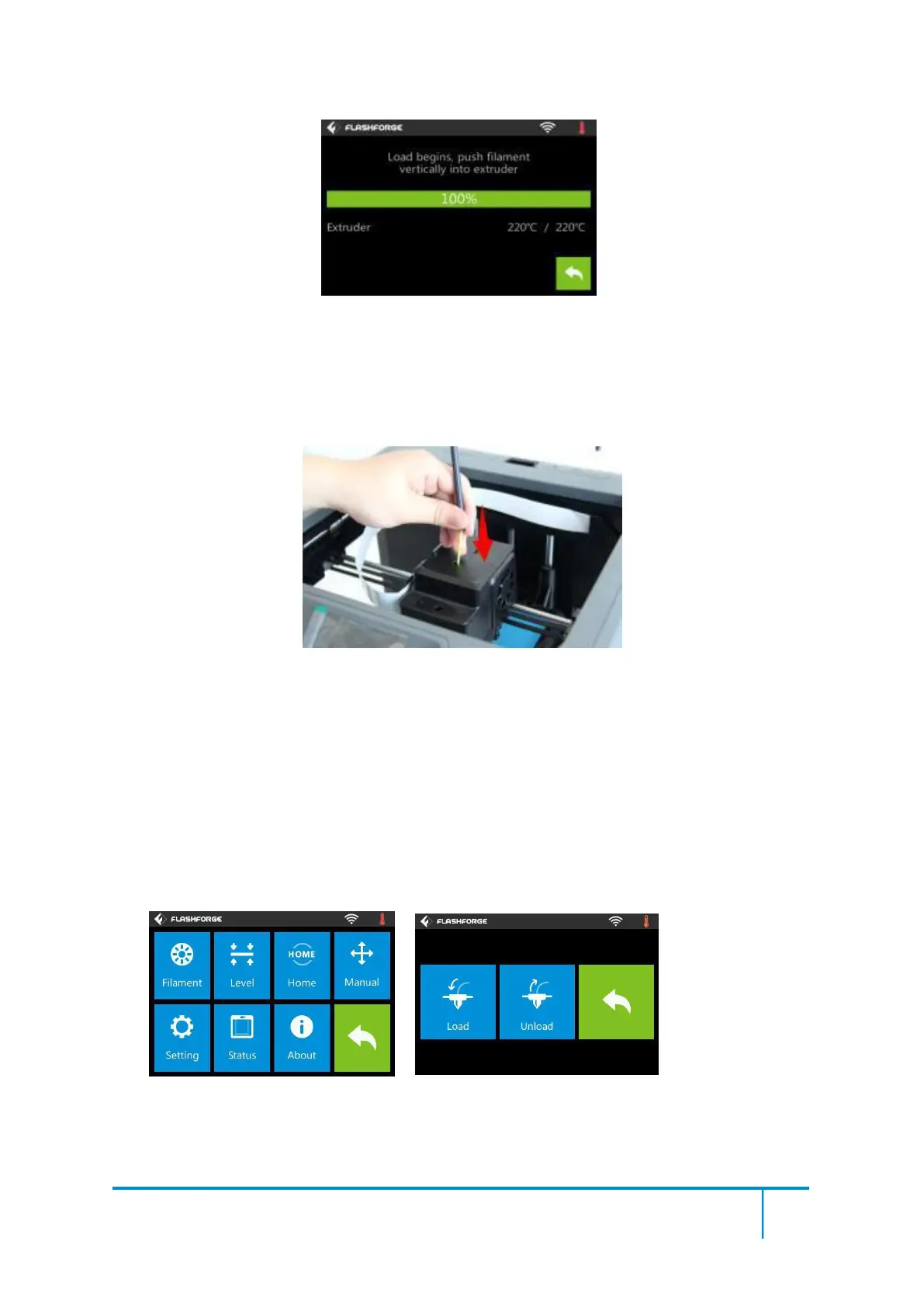
After the extruder’s temperature reaches 220℃, the printer will sound a beep to
prompt you to load the filament into the extruder.
4-10
(4-10)Insert the filament into the extruder at an upright angle. Then the filament will
be drawn through the extruder. Do not tap [Cancel] until the filament load the extruder
steadily.
4-11
(4-11) Tap [Tool]-[Unload] and the extruder starts heating up.















 To Next Page