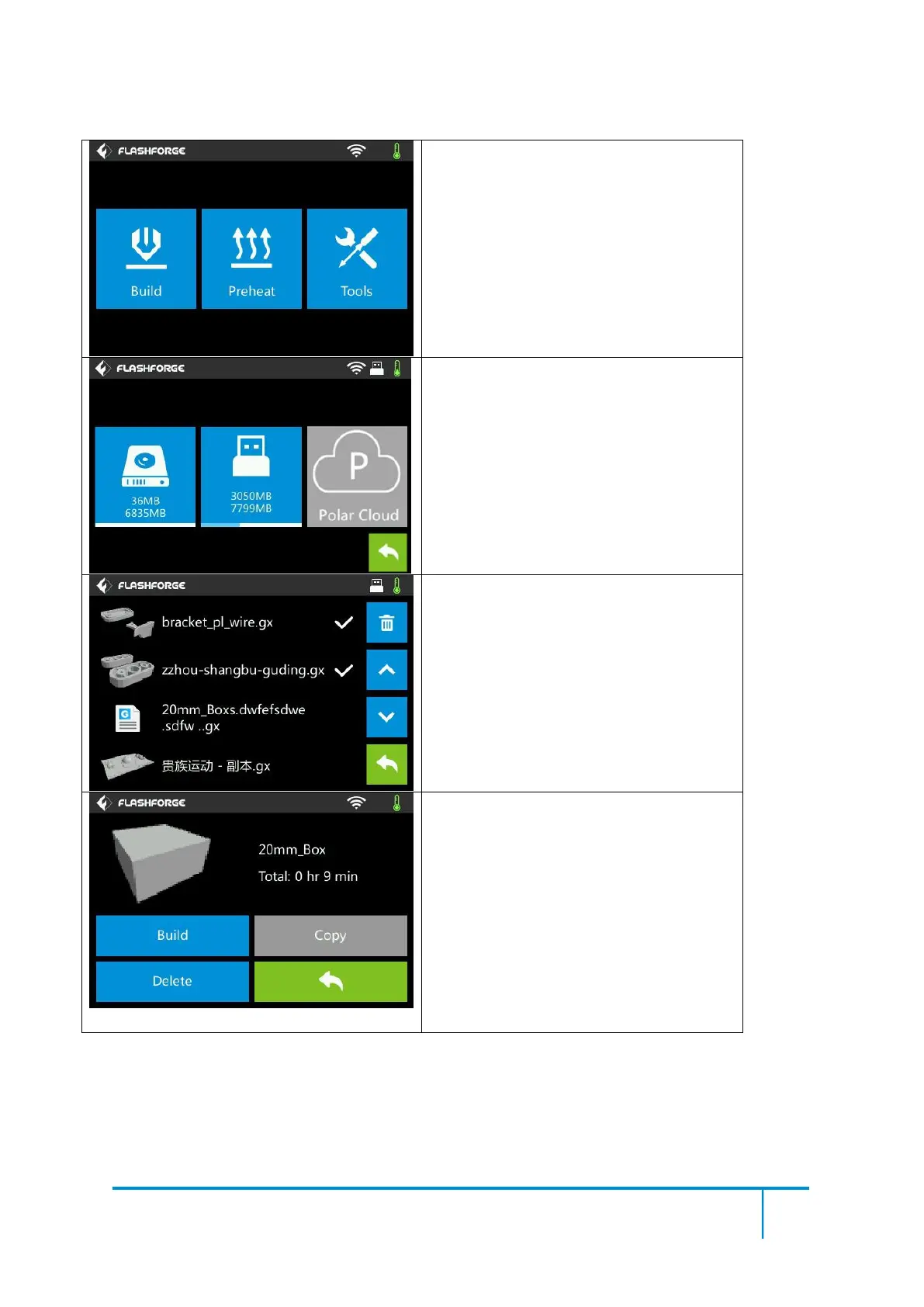
3. The selected file has a tag (on the
right)
4. Tap the delete icon at the top right to
delete all the selected files
Select the target print file among the list
Build: To begin printing
Copy: To copy the files to the local
memory card from the USB stick.(The
button is not available while printing from
local memory card )
Delete: To delete the print file
Back















 To Next Page