Finder2.0 User Guide |
www.flashforge.com
Chapter 5: Build Plate Leveling
Finder2.0 creatively adopts three-point intelligent leveling system, which will give
clear and comprehensive feedback to users. There are three spring-loaded knobs under
the build platform. The distance between the plate and nozzle increases while
tightening the knobs. On the contrary, the distance reduces.
5-1
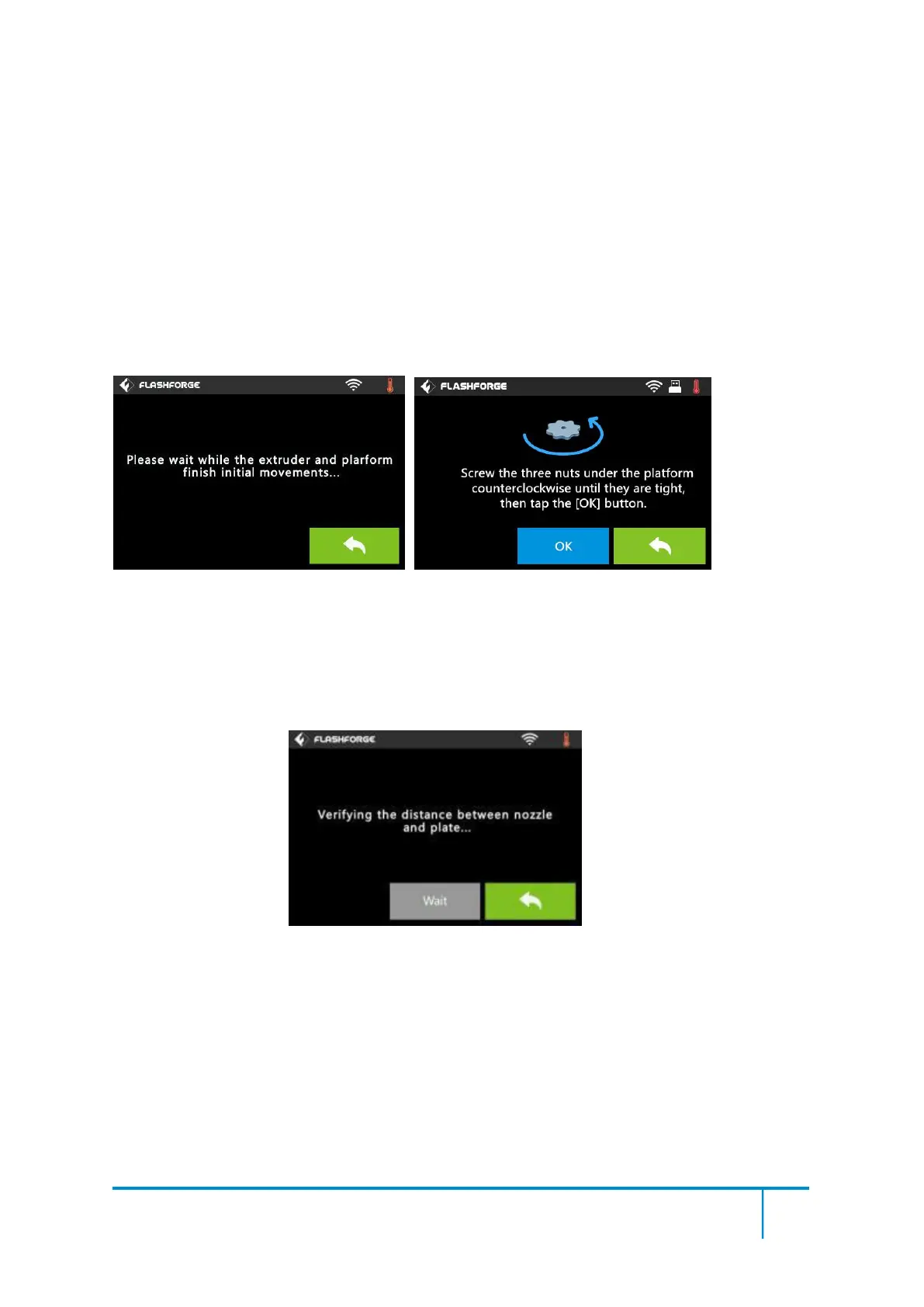
(5-1) Tap [Tools] - [Level] on your Finder2.0 touch screen. Please wait while the
extruder and platform finish initial movements. After that, operate according to the
guide on the touch screen.
5-2















 To Next Page