Finder2.0 User Guide |
www.flashforge.com
④Z Plane
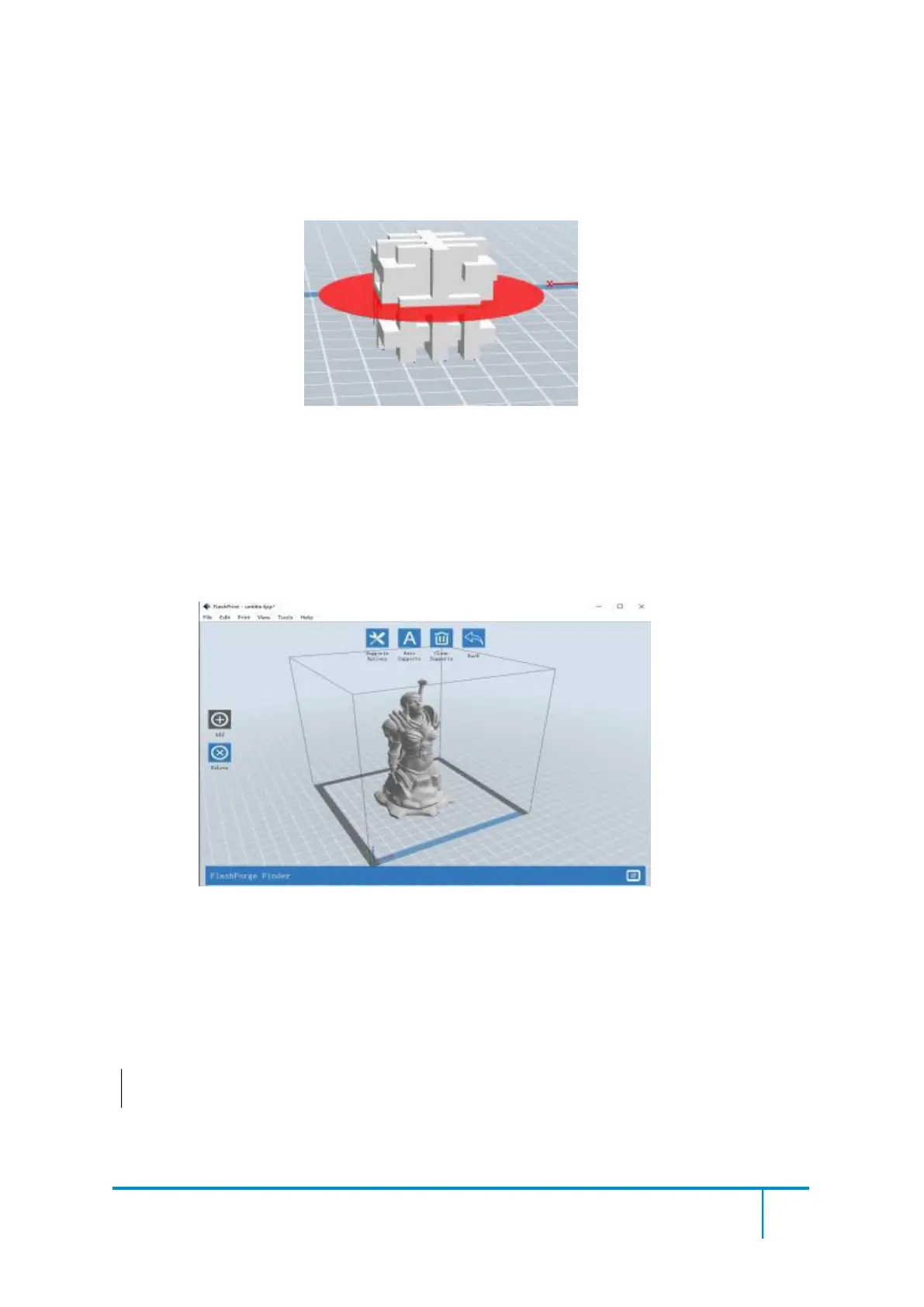
After loading the model, click [Edit]--[Supports] or click the Supports icon directly,
then you will enter the support edit mode(as shown in the picture below). Click [Back]
to exit when you finish editing.
Click the Support Options, an option box will appear, supports options include
“treelike”and “linear”, when choose “treelike”, click [OK], then it will generate
treelike structure; when choose “linear”, click [OK], then it will generate linear
structure; if it is a model with supports, when you choose one of the supports options,
software will judge whether existing supports need to be deleted or not on the basis of















 To Next Page